Saviez-vous que vous pouvez facilement créer du texte à partager sur les réseaux sociaux pour promouvoir votre contenu ?
Avec les fonctionnalités d'IA d'All in One SEO, vous pouvez créer du texte à partager sur Facebook, Instagram, LinkedIn, X (Twitter), et même un e-mail marketing pour promouvoir votre contenu.
Dans cet article
Premiers pas avec l'IA d'AIOSEO
Les fonctionnalités IA d'All in One SEO reposent sur un système de crédits. Vous pouvez acheter des blocs de crédits, ou utiliser les crédits que vous recevez dans le cadre de votre abonnement à All in One SEO Pro.
Pour commencer, vous devrez vérifier que vous disposez de crédits IA. Pour ce faire, cliquez sur Paramètres généraux dans le menu All in One SEO et faites défiler jusqu'à la section Crédits IA dans l'onglet Licence.
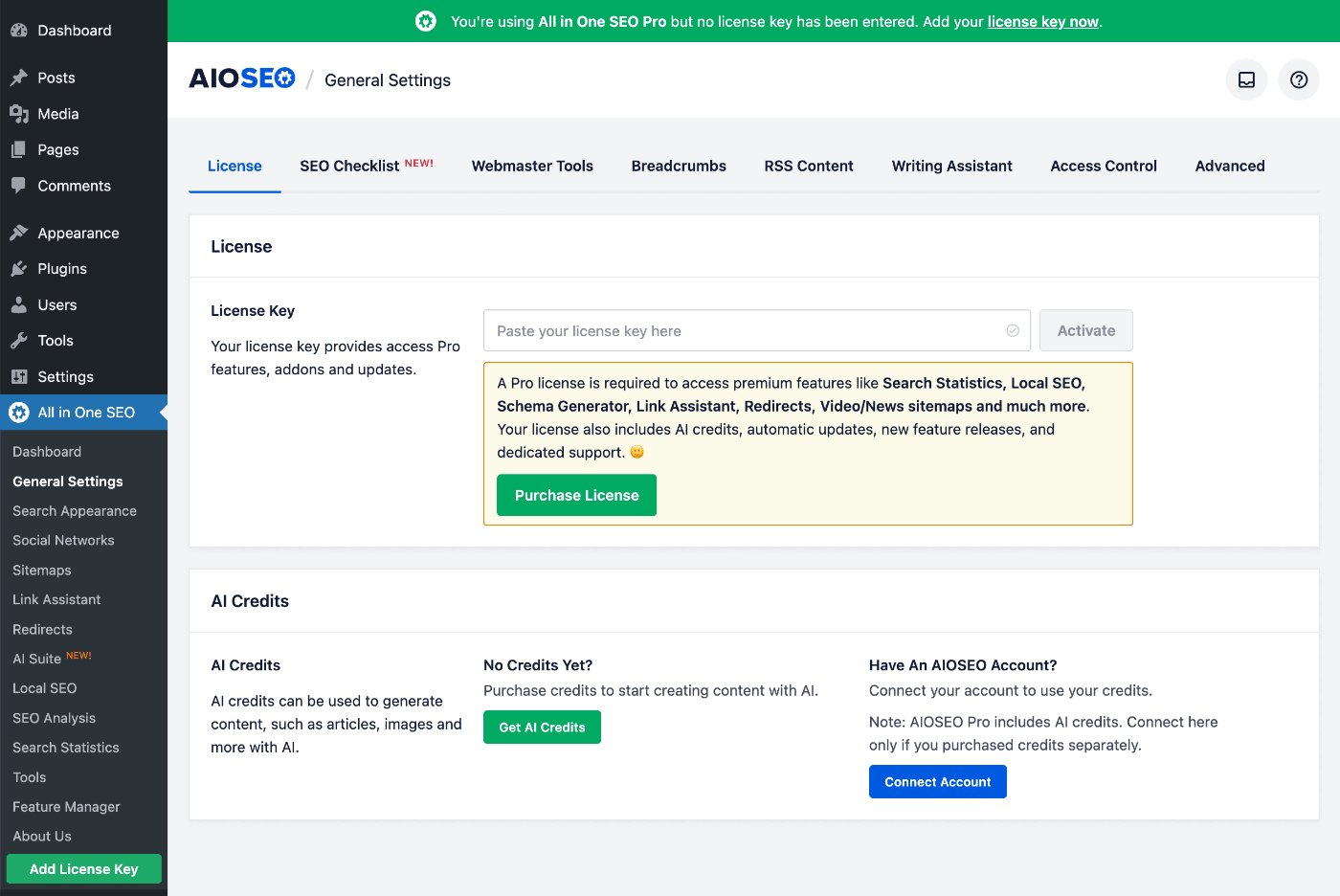
Vous pouvez cliquer sur le bouton Obtenir des crédits IA pour acheter un bloc de crédits Pay-As-You-Go, ou vous pouvez cliquer sur le bouton Connecter le compte si vous avez déjà un compte pour les crédits IA.
Si vous activez une clé de licence pour All in One SEO Pro, vous verrez que votre compte est automatiquement connecté et le nombre de crédits disponibles pour vous.
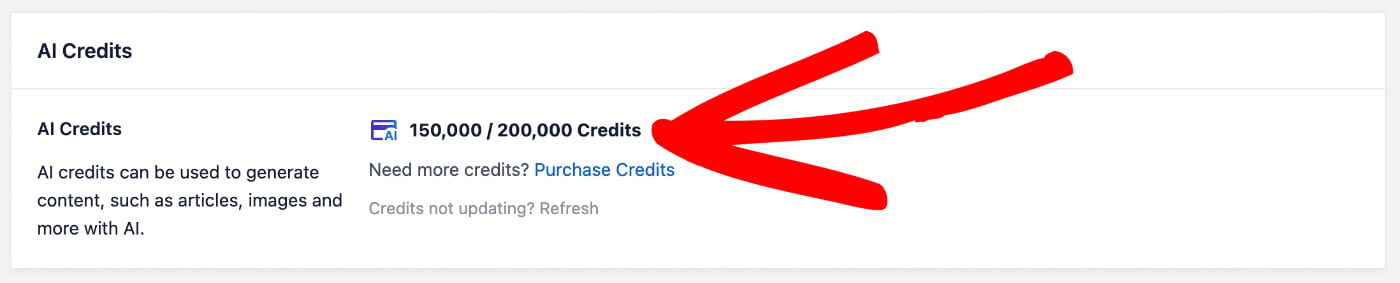
Dans la capture d'écran ci-dessus, vous pouvez voir qu'il nous reste 150 000 crédits sur 200 000.
Pour plus d'informations sur le système de crédits IA pour All in One SEO et sur la gestion de votre compte, veuillez consulter notre article sur l'achat et la gestion des crédits pour les fonctionnalités IA d'AIOSEO.
Maintenant que nous avons vérifié que nous disposons de crédits d'IA, examinons la fonctionnalité Publications sociales.
Création de publications sociales à l'aide de l'IA AIOSEO
REMARQUE :
Cette fonctionnalité fonctionne avec l'éditeur de blocs WordPress (également connu sous le nom de Gutenberg), l'éditeur classique WordPress, et nos constructeurs de pages pris en charge.
Pour créer du texte à partager sur les réseaux sociaux, modifiez n'importe quelle publication et faites défiler jusqu'à la section Paramètres AIOSEO.
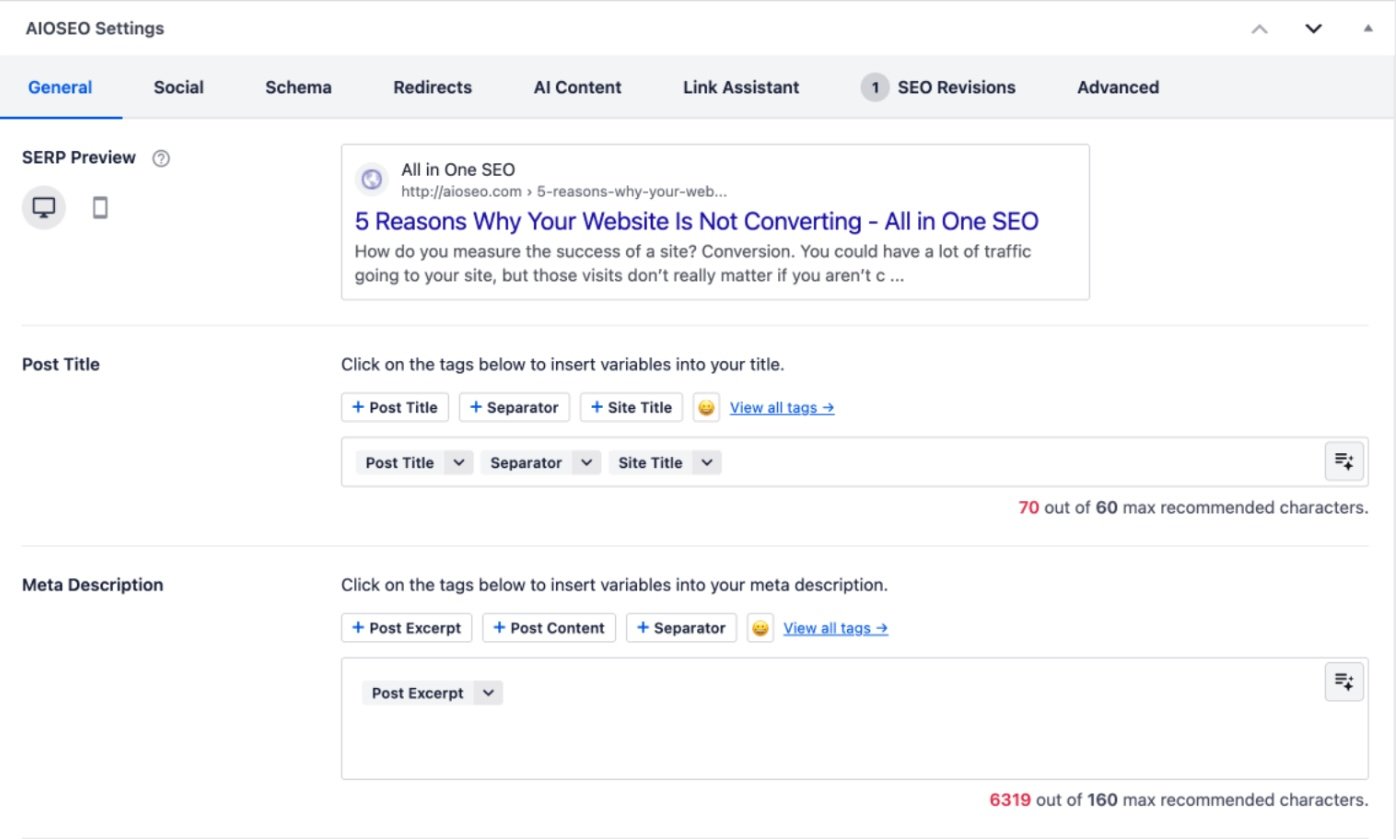
Ensuite, cliquez sur l'onglet Contenu IA.
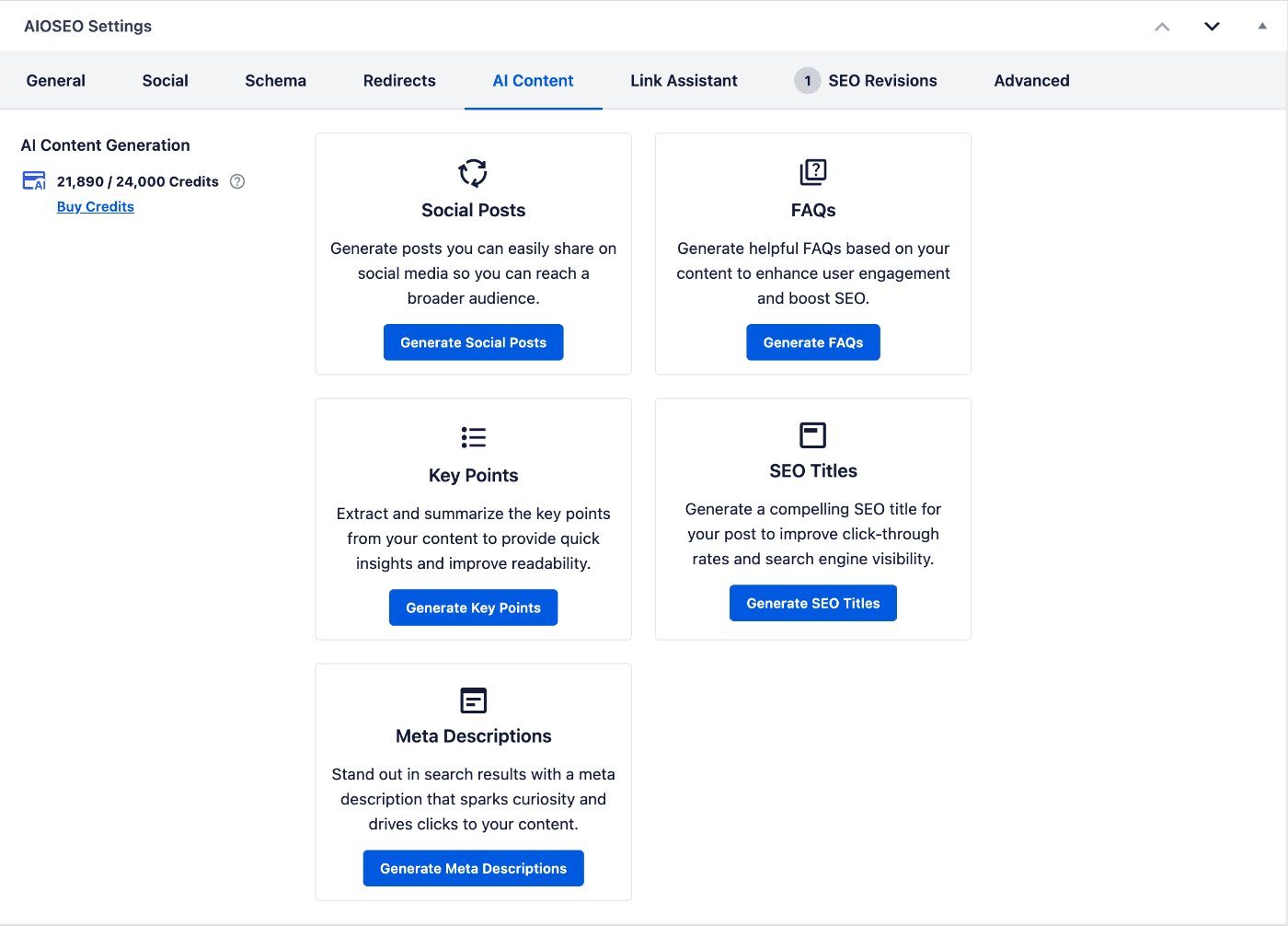
Sur le côté gauche de l'écran, vous verrez le nombre de crédits dont vous disposez, ainsi que le montant restant.
Vous verrez également les fonctionnalités de contenu IA disponibles pour vous.
Cliquez sur le bouton Générer des publications sociales sous la zone Publications sociales. Vous verrez une fenêtre contextuelle qui affiche les options.
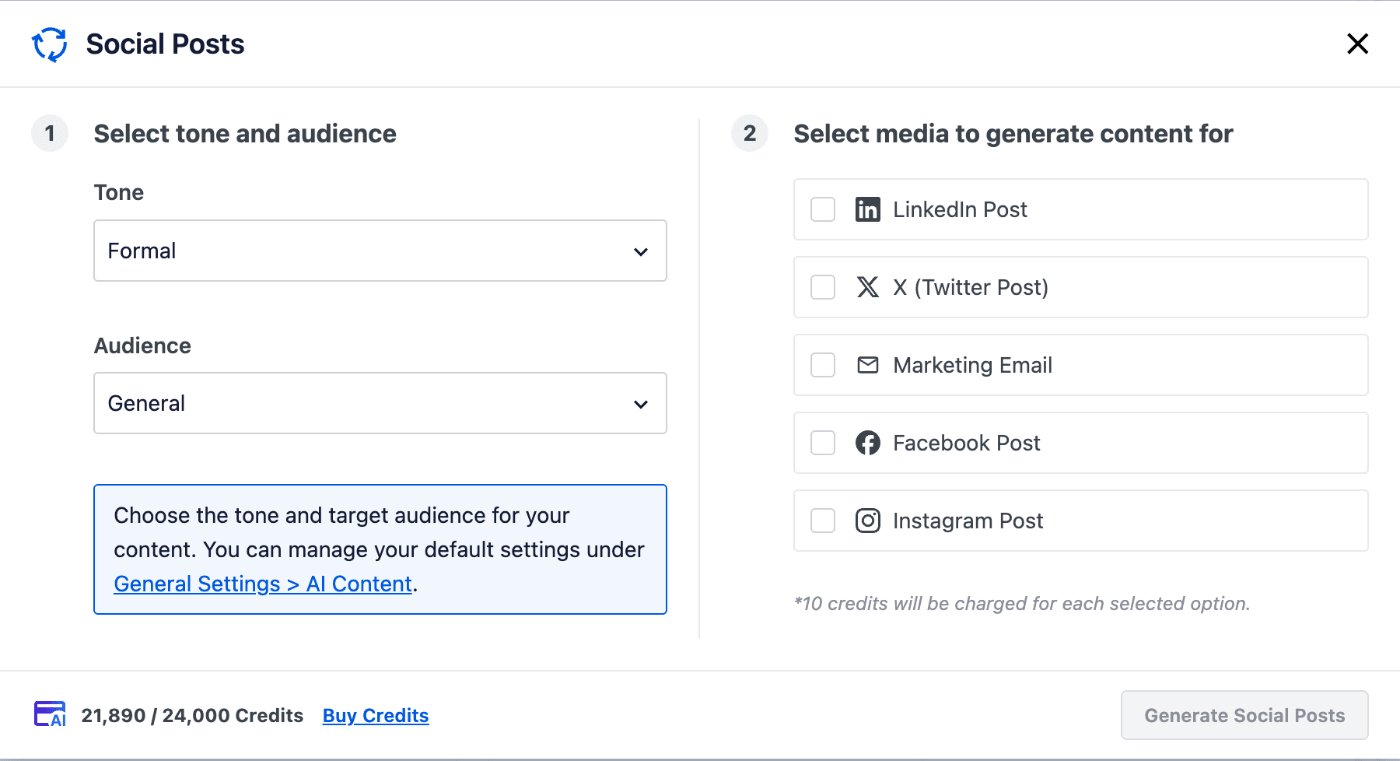
Sur le côté gauche de la fenêtre, vous pouvez sélectionner le ton du texte qui sera généré, par exemple Amical, Informel, Professionnel.
Vous pouvez également sélectionner votre public, par exemple Entreprise, Éducatif, Technique.
Les paramètres Ton et Public contrôleront le texte créé, garantissant qu'il correspond le mieux au type de visiteurs de votre site. Ces paramètres remplaceront les valeurs par défaut qui peuvent être définies dans l'onglet Contenu IA sous All in One SEO > Suite IA.
Sur le côté droit de la fenêtre, vous pouvez sélectionner les types de texte que vous souhaitez générer. Vous pouvez choisir parmi plusieurs canaux de médias sociaux bien connus, ou créer du texte pour un e-mail marketing.
Sous ces paramètres, vous verrez combien de crédits d'IA seront utilisés pour générer le texte pour chaque sélection.
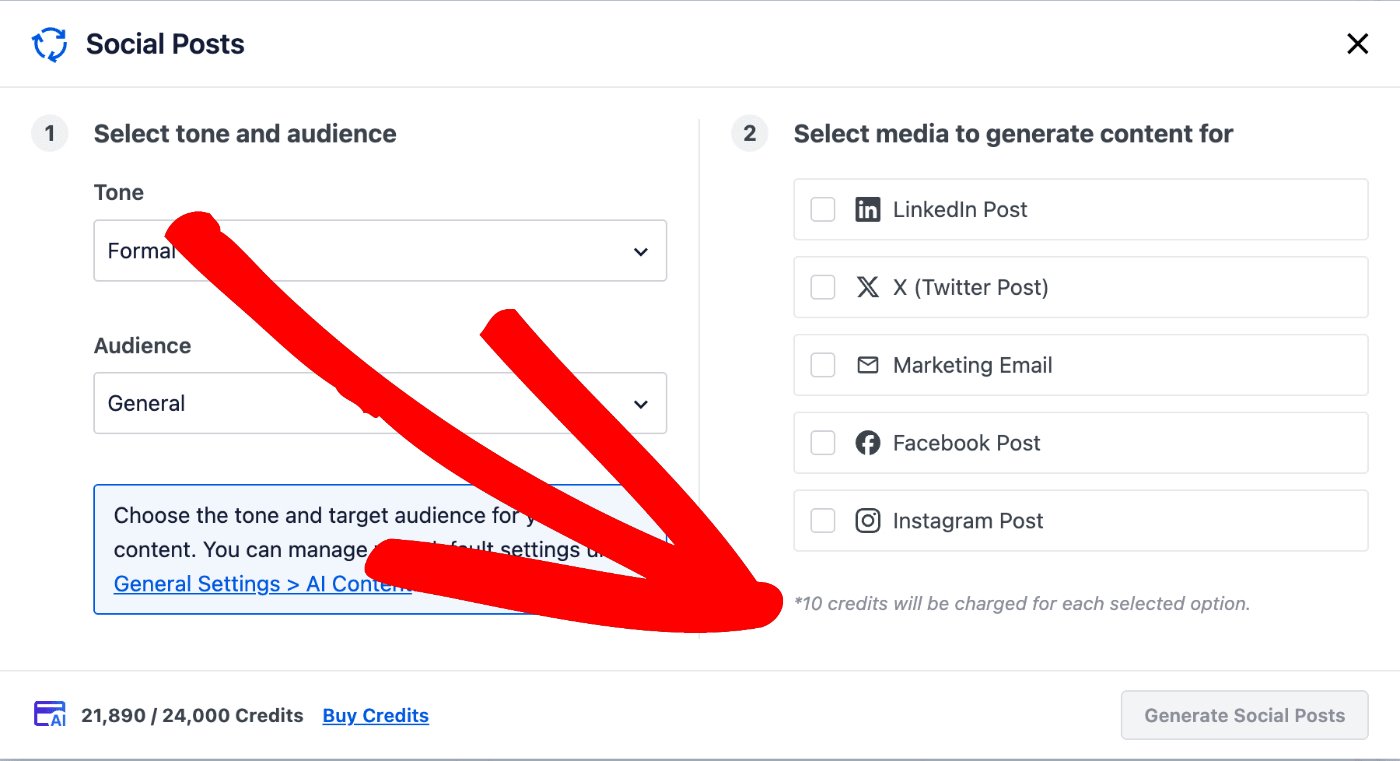
Sélectionnez les canaux de médias sociaux pour lesquels vous souhaitez générer du texte, et cliquez sur le bouton Générer des publications sociales.
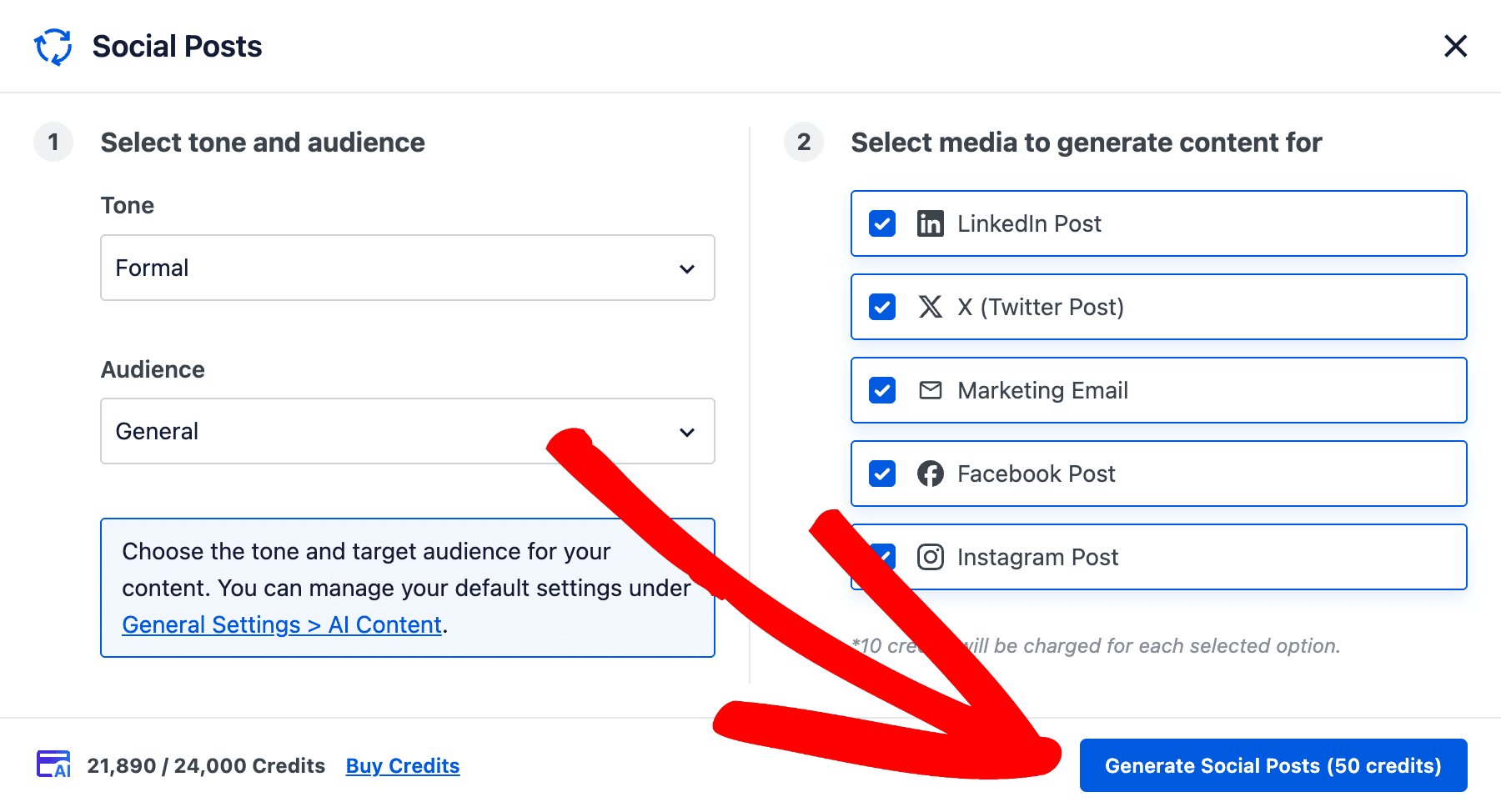
Notez que le bouton Générer des publications sociales affiche le nombre de crédits d'IA qui seront utilisés pour générer le texte.
La fenêtre affichera maintenant le texte généré dans des onglets pour chaque canal.
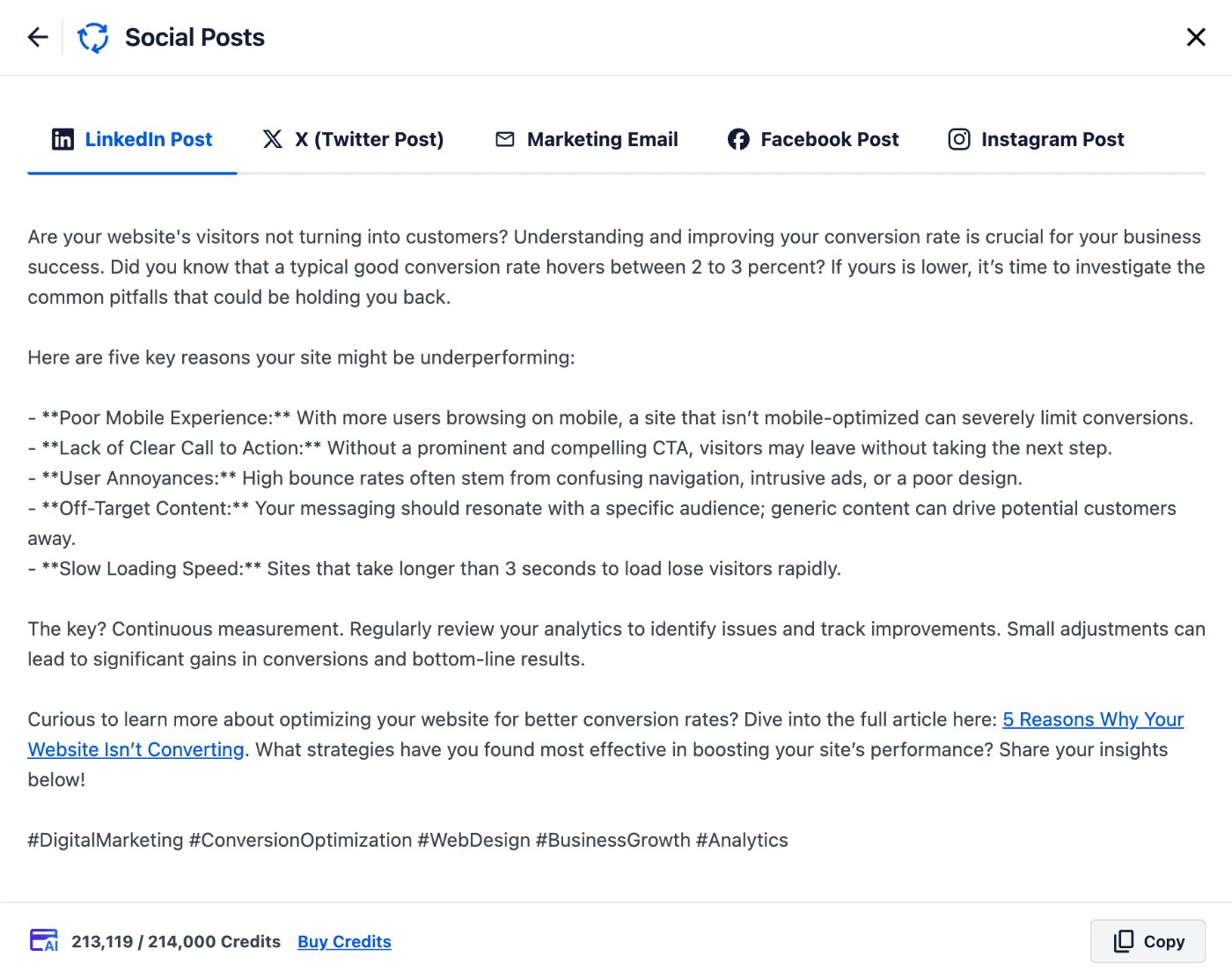
Cliquez sur chaque onglet en haut pour voir le texte généré. Cliquez sur le bouton Copier pour copier le texte afin de pouvoir le coller sur vos réseaux sociaux.
Cliquez sur la flèche de retour (en haut à gauche) pour revenir au générateur de publications sociales, ou sur le bouton X (en haut à droite) pour fermer la fenêtre.
C'est tout ! Vous avez maintenant utilisé l'IA AIOSEO pour générer du texte sur votre publication que vous pouvez coller sur vos canaux de médias sociaux, vous offrant ainsi un moyen facile de promouvoir votre contenu.
Avis de non-responsabilité concernant le contenu généré par l'IA
Le contenu généré par des outils d'intelligence artificielle peut ne pas toujours être entièrement précis ou fiable. Bien que ces systèmes soient conçus pour fournir un contenu utile et informatif, ils sont basés sur des modèles de données et peuvent involontairement produire des informations obsolètes, incomplètes ou incorrectes. Nous vous recommandons de vérifier les détails importants auprès de sources réputées avant de publier du contenu généré par l'IA.
De plus, les modèles d'IA peuvent parfois refléter les biais présents dans leurs données d'entraînement, ce qui peut entraîner une distorsion involontaire des informations ou des perspectives. Il est important que les utilisateurs abordent le contenu produit par l'IA avec un esprit critique et considèrent plusieurs points de vue pour assurer une compréhension équilibrée. Les développeurs d'All in One SEO ne garantissent pas l'exactitude absolue ni l'impartialité du résultat généré.
Lectures complémentaires
Consultez d'autres articles sur comment utiliser les fonctionnalités d'IA d'AIOSEO ici.