The HTTP Headers options in All in One SEO enable you to add Site headers and Redirect headers for your site to improve security.
Site headers are added across your site, including redirects. Redirect headers are only added to redirects.
NOTE:
The Redirection Manager feature is available to customers with a Basic plan or above for All in One SEO Pro.
Some advanced features are available with a Pro plan or above for All in One SEO Pro.
Upgrade to All in One SEO Pro today to get Redirection Manager and many more features!
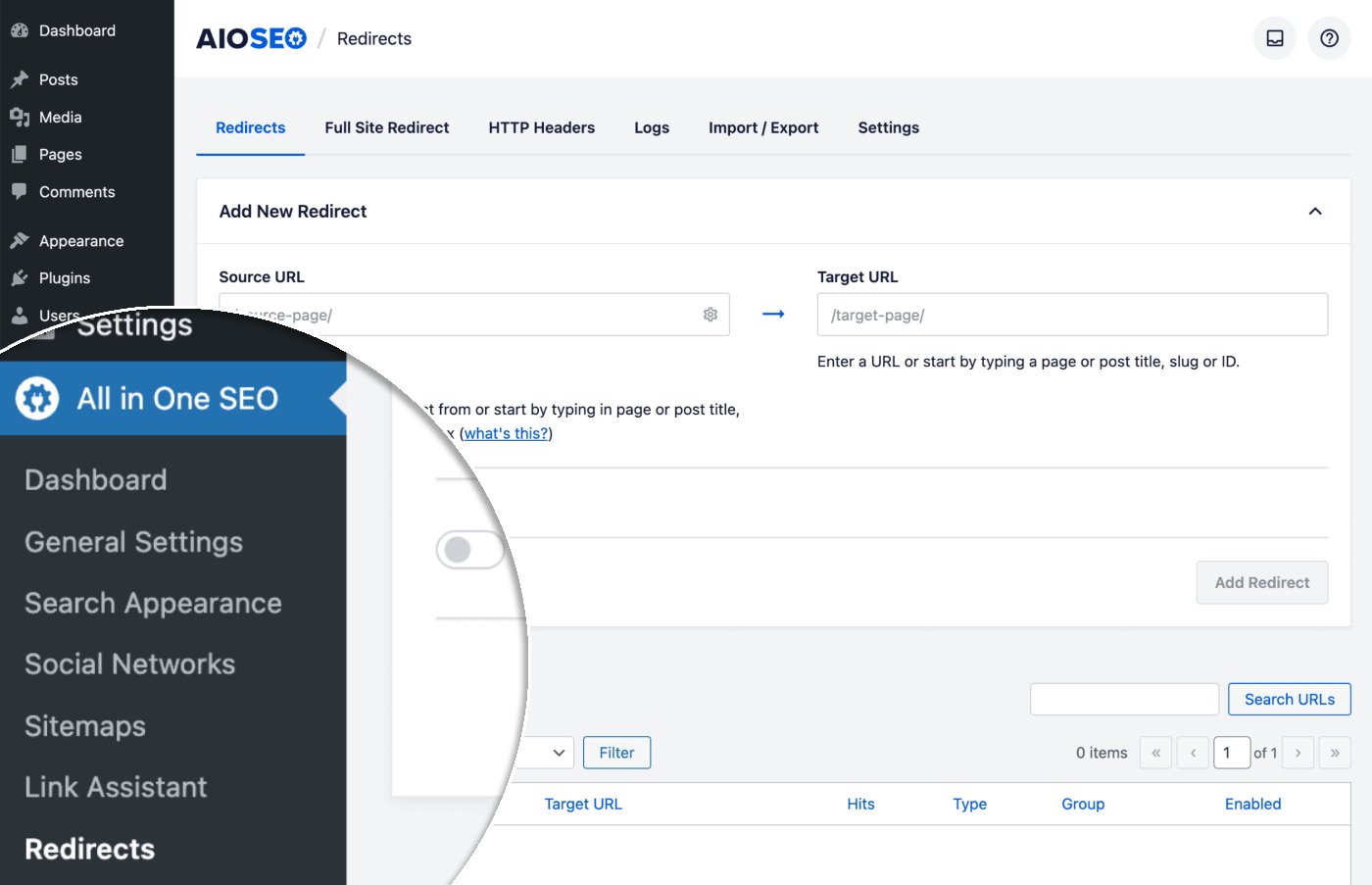
To get started, click on Redirects in the All in One SEO menu and then click on the HTTP Headers tab.
To add a Site or Redirect header, select the type in the Location drop down, then choose the header from the Header drop down and enter or select the Value.
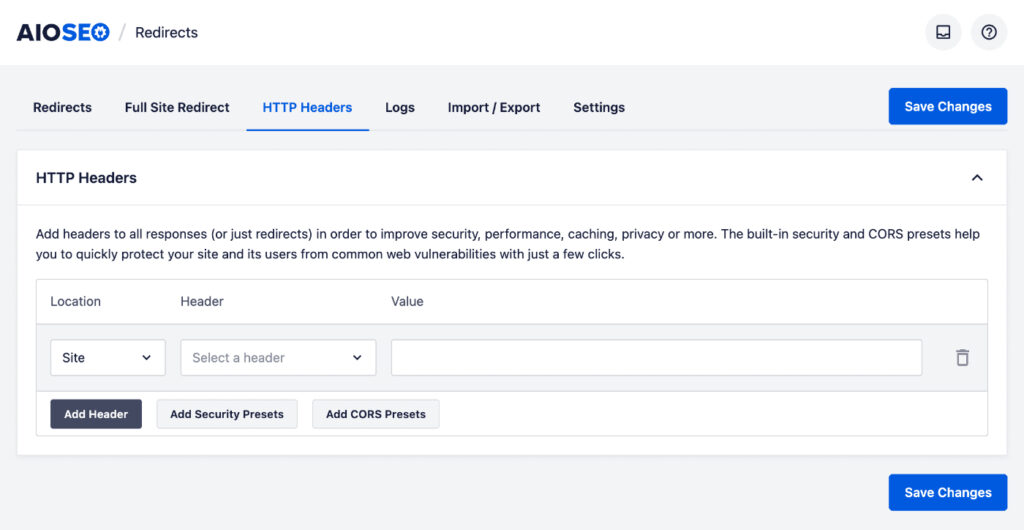
Click the Add Header button to add more Site or Redirect headers, and click the trash can icon to delete a Site or Redirect header.
You may also add your own custom headers by selecting Custom Header in the Header drop down.
You can also add predefined Security and CORS headers by clicking the Add Security Presets or Add CORS Presets.
Check out more documentation on our Redirection Manager here.