This guide will help you to troubleshoot issues with the AIOSEO Details not loading on the Posts / Pages screens.
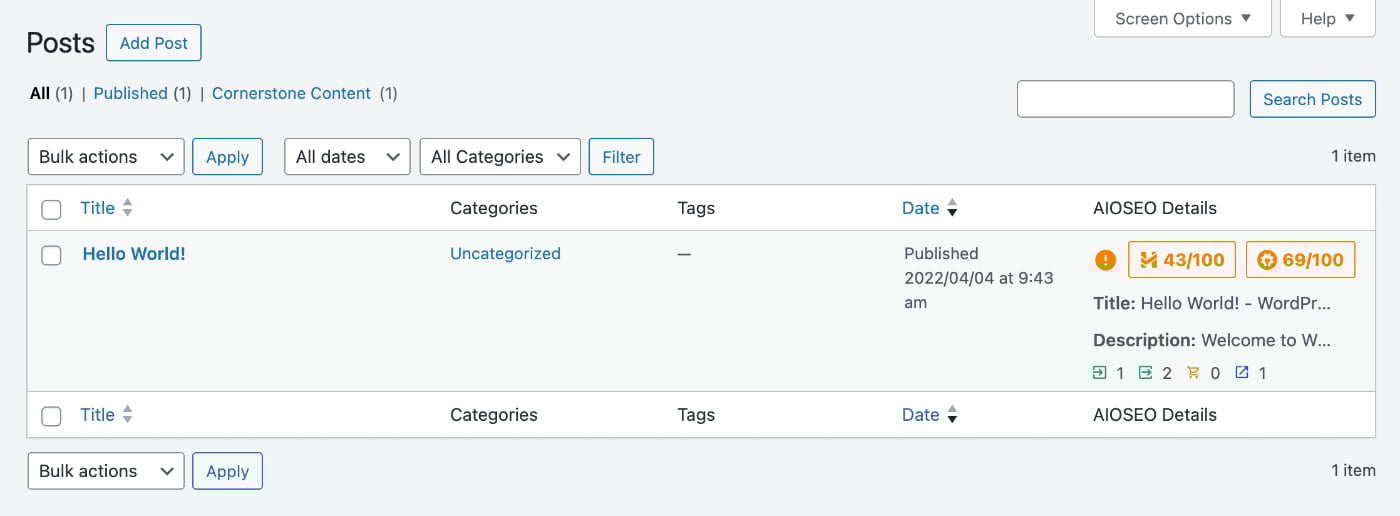
The AIOSEO Details column displays the TruSEO score, Headline Analyzer score, SEO Title, Meta Description, Index Status, and Link Assistant details for each post or page.
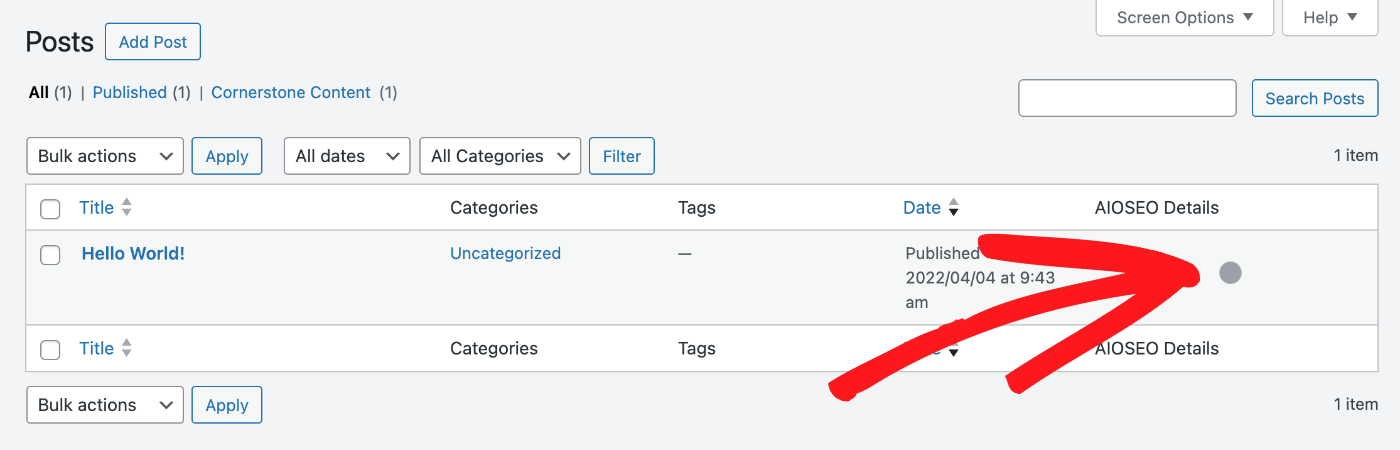
Occasionally, the information in the AIOSEO Details column may not load, and instead will display a pulsing circle as shown below:
When this happens, we recommend following the troubleshooting steps below:
- Go to Plugins > Add New and install and activate the Health Check & Troubleshooting plugin.
- Go to Plugins > Installed Plugins and click on Troubleshoot below the All in One SEO plugin.

This will temporarily disable all other plugins and switch to the default WordPress theme only for your user only, without impacting what your visitors see. - Check if you’re able to reproduce the problem again on the Posts or Pages screen.
- If you're no longer able to reproduce the problem, activate your theme and check again.
- If you're still unable to reproduce the problem, activate your plugins one at a time, checking to see if the problem can be reproduced.
- If you can reproduce the problem after activating a specific plugin, then you've found the cause of the issue.
- Once you’re done troubleshooting, deactivate and delete the Health Check & Troubleshooting plugin.
You can also follow the steps in our How to Open the Browser Error Console article here.
These troubleshooting steps should provide the cause of the problem.
You can reach out to our Support team via the submit our Basic question form on our Contact page here. Please include all of the details from the troubleshooting steps performed above.