REAL-TIME SPELL CHECKER FOR WORDPRESS
Spell Checker — catch every typo before you publish
A single typo in your content can undercut hours of hard work. The Spell Checker finds misspellings while you write and provides 1-click fixes so you can publish with confidence.

Real-time
detection

1-click
corrections

Custom
dictionary

10+
Languages

Frequency
counts

Free on
all plans


Everything you need to publish typo-free content
The Spelling tab covers 3 things every writer needs: real-time detection as you type, a way to teach AIOSEO your own vocabulary, and enough language coverage for global sites.

Real-time detection
Type normally and AIOSEO underlines misspelled or unrecognized words in red as you go, no separate proofreading pass required.
1-click corrections
Click any flagged word to open a list of suggested corrections: pick the right one, and AIOSEO replaces every instance in the post at once.
Custom dictionary
Most spell checkers flag your own product names as errors. Add any term to your dictionary once, and it never gets flagged again.
10+ languages
AIOSEO detects the language of each post automatically and checks it against that language’s dictionary. Switch it manually anytime from the Optimization tab.
Frequency counts
See exactly how many times a misspelling shows up across your post, not just where it first appears, so you know how much cleanup is actually left.
Free for all AIOSEO users
Spell Checker isn’t a premium upsell or a separate purchase. It’s built into AIOSEO’s free Lite version and every paid plan, from Basic through Elite.
The most beginner-friendly spell checker for WordPress
Grammarly and Google Docs live outside WordPress. AIOSEO’s Spell Checker lives inside the editor, so you catch typos where you write.
Why 3M+ AIOSEO users trust the built-in Spell Checker
Rank Math, Yoast SEO, and SEOPress don’t include a built-in spell checker, and neither does WordPress itself. Most site owners either proofread by eye or install yet another plugin just to catch typos.
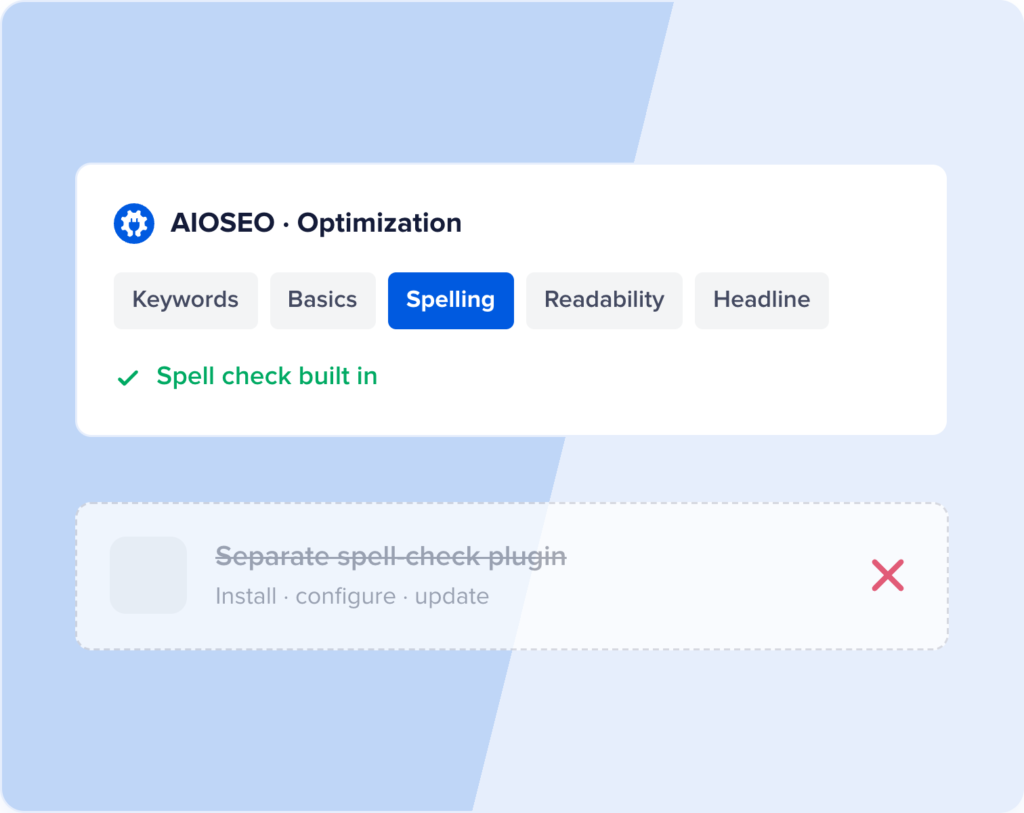
NO SEPARATE PLUGIN OR SUBSCRIPTION NEEDED
1 less plugin, 1 less thing to update
Rank Math, Yoast SEO, and SEOPress all leave spell checking out of their plugins entirely.
AIOSEO builds it into the same Optimization tab you already use for keywords and readability, so there’s nothing extra to install, configure, or keep updated.
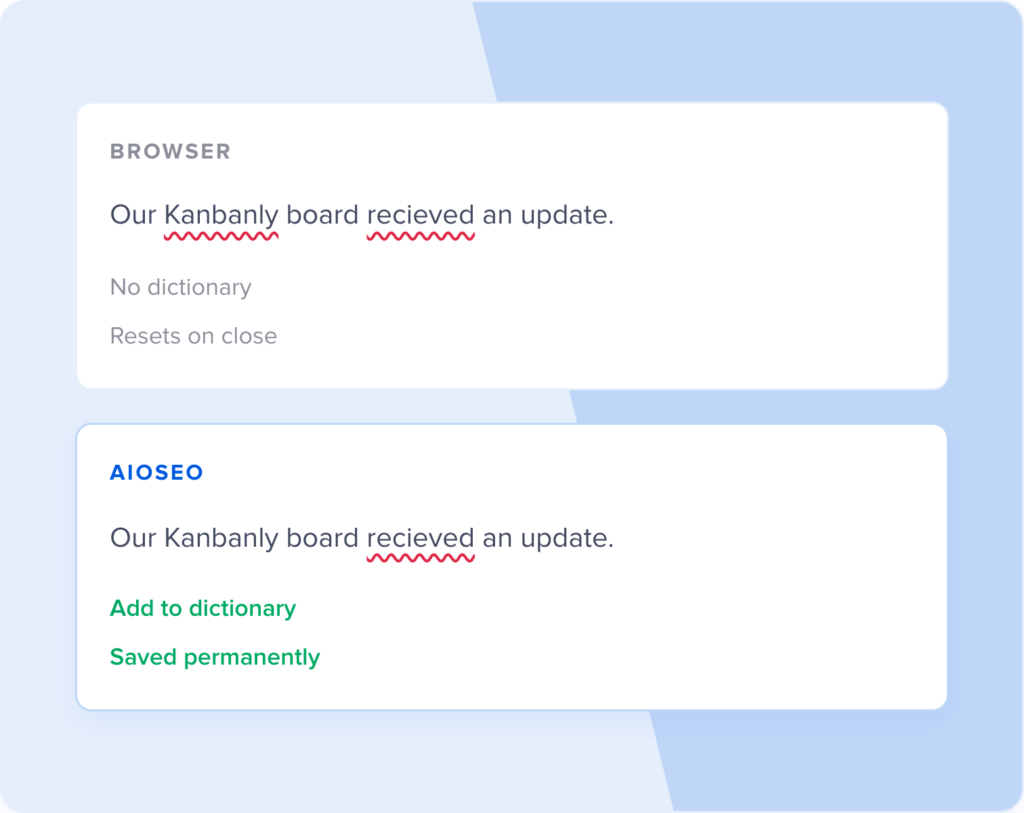
SMARTER THAN YOUR BROWSER’S RED SQUIGGLY LINES
Built for your brand, not just your browser
Your browser’s spell check treats every post the same way and forgets your corrections the moment you close the tab. AIOSEO remembers your custom dictionary permanently and auto-detects the language of each post, so multilingual sites get accurate results every time.

PROTECTS THE E-E-A-T SIGNALS GOOGLE LOOKS FOR
Typos undermine your customers’ trust
Google’s quality guidelines call out expertise, authority, and trust as ranking signals, and sloppy spelling is one of the fastest ways to look untrustworthy. Catching typos before you publish protects the credibility you’ve built with readers and search engines alike.
LIVES WHERE YOU ALREADY WRITE
No new tabs, tools, or logins
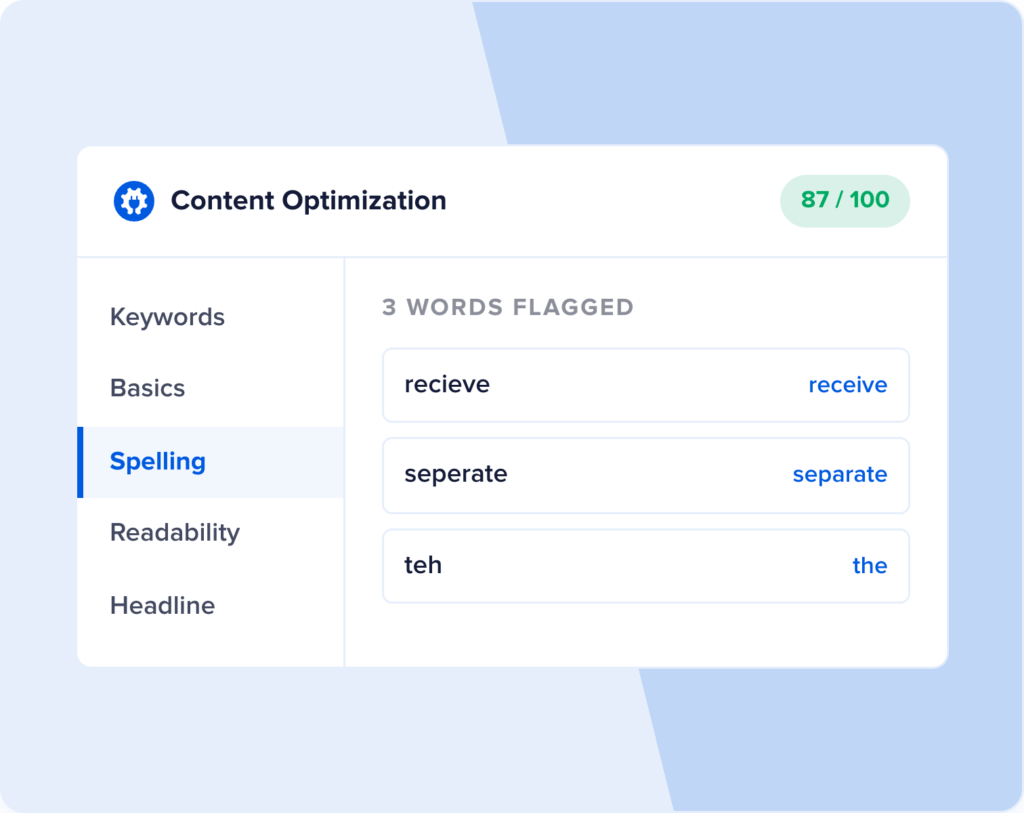
You don’t need to copy your draft into Grammarly, Hemingway, or Google Docs to catch typos anymore. The Spelling tab sits right next to your SEO score in the WordPress editor, so proofreading happens in the same place as everything else.
And you don’t just have to take our word for it…
Here’s what AIOSEO users have to say
This SEO plugin is fantastic! After installing it, my site’s ranking improved, and my pages are indexing much faster.
Whether you’re a beginner or an SEO expert, AIOSEO is a game-changer. It keeps all of my sites optimized without the hassle.
I am happy with the product but, even more, I am happy with the excellent and fast support provided by the team!
More than just a spell checker — a complete SEO toolkit
Spell Checker catches the typos, but a complete SEO strategy covers more ground than 1 feature. Here’s what else you can get with AIOSEO.
Stop letting typos slip through
Spell Checker is included on every AIOSEO plan, from Lite to Elite. Zero setup and starts catching mistakes immediately.
FAQs about the Spell Checker
Get quick answers about using the WordPress Spell Checker by AIOSEO. If your question isn’t listed here, you can contact us. We’re happy to help!
What is a WordPress spell checker, and how is it different from my browser’s spell check?
A standard WordPress spell checker scans the content in your post editor and flags misspelled or unrecognized words, usually with a red underline. Your browser’s built-in spell check does something similar, but it only works while you’re actively typing in that browser, doesn’t understand your site’s language settings, and forgets any corrections once you close the tab. AIOSEO’s Spell Checker lives inside WordPress itself, so it works the same way for every writer on your site and remembers the custom terms you’ve added.
How do I check spelling in AIOSEO?
Open any post or page, go to the AIOSEO settings in the meta box, and click the Optimization tab. Select the Spelling sub-tab to see every flagged word underlined in red directly in your content, along with a list of misspellings and how many times each one appears. Click any flagged word to see suggested corrections and apply one with a single click.
Which languages does AIOSEO’s Spell Checker support?
AIOSEO’s Spell Checker works in more than 10 languages and automatically detects the language of each post before checking it against the right dictionary. If AIOSEO gets the detection wrong, or if you write in more than one language, you can manually change the language from a dropdown in the Optimization tab.
How do I add a word to the custom dictionary?
Click any word the Spell Checker flags, and you’ll see an “Add to dictionary” option alongside the suggested corrections. Click it, and that term is saved permanently, so it stops getting flagged on that post and every post after it. This is the fastest way to stop AIOSEO from flagging brand names, product names, and technical terms that aren’t in a standard dictionary.
Which AIOSEO plan includes Spell Checker?
Spell Checker is included on every AIOSEO plan, from the free Lite version through Basic, Plus, Pro, and Elite. Nothing about the feature is locked behind a higher tier, including the custom dictionary and language auto-detection.