What is Google E-E-A-T? Understanding Google’s Secret Sauce for Creating Effective Content
What is Google E-E-A-T, and how can it help you create content that ranks? The internet is a crowded place. With each day that passes,…Continue reading
Join 3,000,000+ Professionals who use AIOSEO to Improve Their Website Search Rankings!
WordPress Tutorials, Tips, and Resources to Help Grow Your Business
Kato is one of those rare unicorns born with a pen in his hand—so the legend says. He’s authored 2 books and produced content for hundreds of brands. When he’s not creating content for AIOSEO, you’ll find him either watching tech videos on YouTube or playing with his kids. And if you can’t find him, he’s probably gone camping.
What is Google E-E-A-T, and how can it help you create content that ranks? The internet is a crowded place. With each day that passes,…Continue reading
Would you like to know how to create an SEO content strategy that boosts your search rankings? Search engine optimization (SEO) is a strategic digital…Continue reading
Looking for the best WordPress plugins to supercharge your website? With over 55,000 WordPress plugins on the market, knowing which ones are useful for your…Continue reading
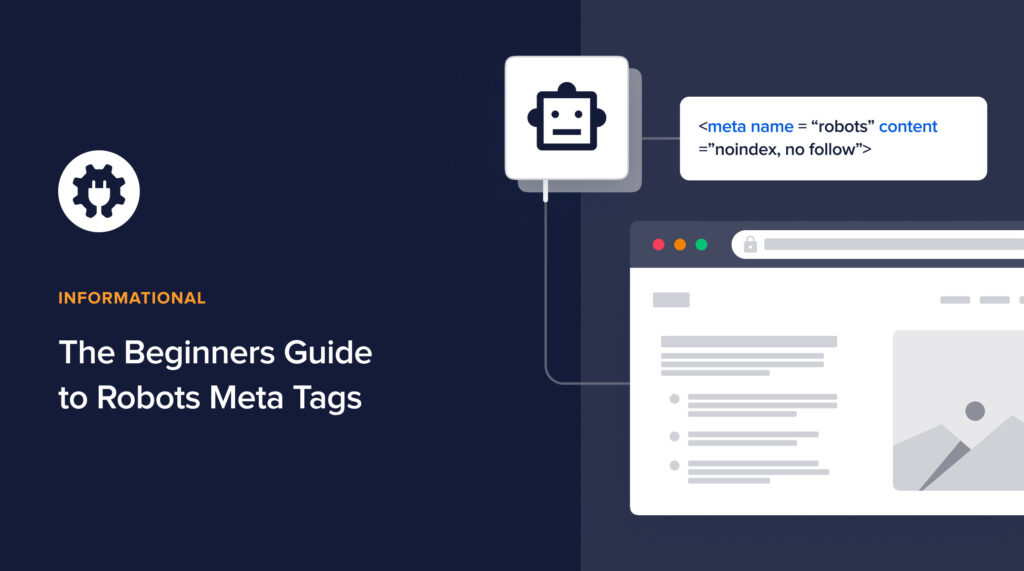
What are robots meta tags? If you’ve come across this term and are wondering what it means, then you’re not alone. Meta robots tags are…Continue reading
Looking for the best local SEO tools to help boost your search engine rankings? Local SEO is essential for brick-and-mortar businesses and those that are…Continue reading
What is organic traffic, and why should you be concerned about it? If you have an online asset like a blog, eCommerce store, or niche…Continue reading
Would you like to learn some SEO growth hacks to help boost your rankings and traffic? Search engine optimization (SEO) has become very competitive, and…Continue reading
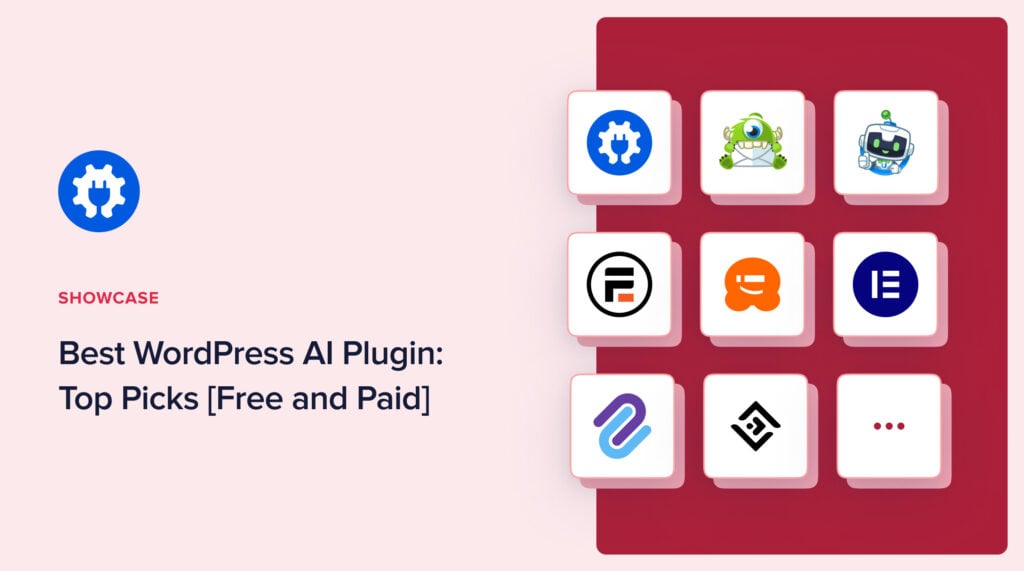
Looking for the best WordPress AI plugin to use on your site? If you want to use artificial intelligence (AI) and machine learning technologies on…Continue reading
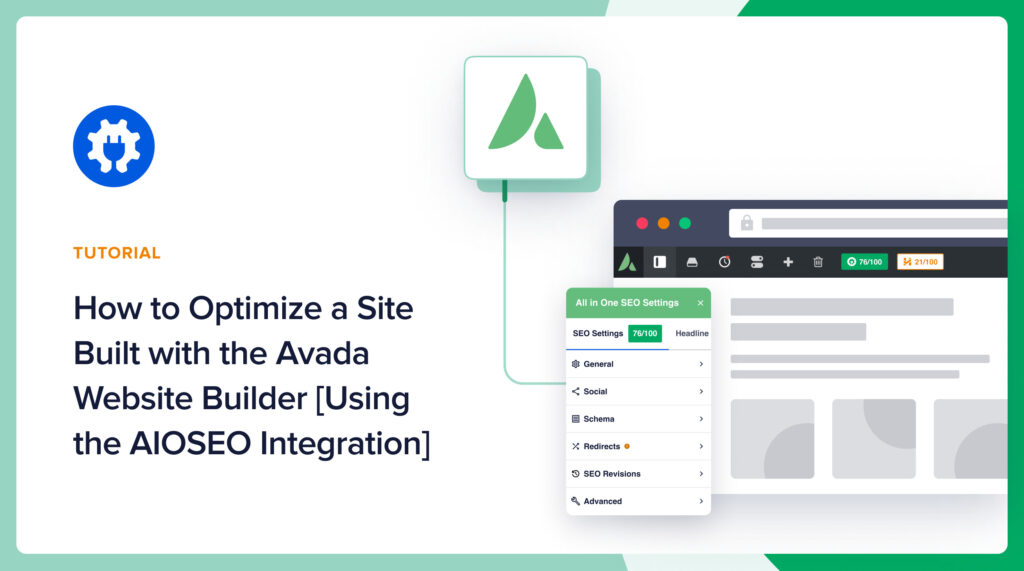
Looking for tips to boost your SEO on a site built using the Avada website builder? With over 700k active users, Avada is one of…Continue reading
Looking for tips to boost your WPBakery SEO? With close to 6 million websites built using the page builder, WPBakery is one of the most…Continue reading
We use cookies to improve your experience on our site. By using our site, you consent to cookies.
Websites store cookies to enhance functionality and personalise your experience. You can manage your preferences, but blocking some cookies may impact site performance and services.
Essential cookies enable basic functions and are necessary for the proper function of the website.
These cookies are needed for adding comments on this website.
These cookies are used for managing login functionality on this website.
WPForms is a user-friendly WordPress plugin for creating custom forms with drag-and-drop functionality.
Statistics cookies collect information anonymously. This information helps us understand how visitors use our website.
Google Analytics is a powerful tool that tracks and analyzes website traffic for informed marketing decisions.
Service URL: business.safety.google (opens in a new window)
Clarity is a web analytics service that tracks and reports website traffic.
Service URL: clarity.microsoft.com (opens in a new window)
Marketing cookies are used to follow visitors to websites. The intention is to show ads that are relevant and engaging to the individual user.
OptinMonster is a powerful lead generation tool that helps businesses convert visitors into subscribers and customers.
Service URL: optinmonster.com (opens in a new window)
Stay updated on our new features and more — straight to your inbox.
TruSEO just got its biggest rebuild yet. Scores now generate in real time, support 10+ new languages, and live in a redesigned Optimization tab. Also new in this release:
Update to 5.0.0 to explore all the new features.
Rewrite your title, meta description, headline, and content in a single click. The new “Optimize with AI” button applies all TruSEO suggestions in one pass. How it works:
AIOSEO now flags misspelled and unrecognized words right in your Content Optimization panel, with suggested corrections and a custom dictionary for brand terms. What’s included:
The Highlighter now pairs every flagged issue with an AI-generated fix. Click a highlighted spot and apply the suggestion instantly, without leaving the editor. What’s included:
The Headline Analyzer now lives right inside your Content Optimization panel, as its own Headline tab. What’s included: