
Building a WooCommerce store is the easy part. Getting it to actually perform is where most business owners hit a wall. I’m talking converting visitors, recovering abandoned carts, ranking in search, and keeping customers coming back.
It’s a lot to take on, but your business’s success depends on it.
The good news is that the best WooCommerce plugins handle most of the work for you. And I’ve spent the past few years testing them across real stores to figure out which ones are worth installing.
In this article, I’ll walk you through the best WooCommerce plugins I recommend for driving traffic, improving conversions, and growing your business.
In This Article
- Top 10 WooCommerce Plugins Compared
- 22 Best WooCommerce Plugins for 2026
- 1. All In One SEO (AIOSEO)
- 2. Broken Link Checker
- 3. WP Mail SMTP
- 4. SeedProd
- 5. WPForms
- 6. TrustPulse
- 7. OptinMonster
- 8. MonsterInsights
- 9. PushEngage
- 10. RafflePress
- 11. FunnelKit
- 12. Uncanny Automator
- 13. Smash Balloon
- 14. SearchWP
- 15. Thrive Suite by Thrive Themes
- 16. AffiliateWP
- 17. LiveChat
- 18. SaveTo Wishlist
- 19. Constant Contact
- 20. Omnisend
- 21. Advanced Coupons
- 22. WooCommerce Product Slider
- Why Do You Need WooCommerce Plugins?
- Supercharge Your Business With the Best WooCommerce Plugins
- FAQs: The Best WooCommerce Plugins
Top 10 WooCommerce Plugins Compared
Here’s a quick comparison of the top 10 picks to help you find the right tool for your store’s biggest need right now.
| Plugin | Best For | Why Pick This One | Pricing |
|---|---|---|---|
| All In One SEO | WooCommerce SEO & search visibility | The only SEO plugin with a dedicated WooCommerce module, product schema, and Search Statistics built in | From $49.50/yr |
| Broken Link Checker | Finding & fixing broken links | Automates what would otherwise be hours of manual link auditing | From $4.99/mo |
| WP Mail SMTP | Email deliverability | Fixes WordPress’s unreliable default email setup without touching any code | From $49/yr |
| SeedProd | Custom landing & product pages | The only page builder with native WooCommerce blocks and strong built-in SEO | From $39.50/yr |
| WPForms | Contact forms & lead capture | Easiest form builder on the market, with built-in payment support on Pro | From $39.50/yr |
| TrustPulse | Social proof notifications | Shows real-time purchase activity that nudges hesitant shoppers without a site redesign | From $5/mo |
| OptinMonster | Cart abandonment & conversions | Cart-aware targeting lets you show offers based on exactly what’s in a shopper’s cart | From $7/mo |
| MonsterInsights | Google Analytics for WooCommerce | Enhanced eCommerce tracking that shows where shoppers drop off, right inside WordPress | From $99.50/yr |
| PushEngage | Push notifications & cart recovery | Reaches visitors who never gave you their email, via browser push on desktop and mobile | Free; paid from $8/mo |
| RafflePress | Giveaways & social growth | Bonus entry system turns one giveaway into traffic, email signups, and followers | From $39.50/yr |
Why You Should Trust Me: I’ve developed and executed SEO strategies for WordPress sites for over 6 years. I’ve worked across stores of all sizes, from curated-product shops to multi-category catalogs. I’ve personally tested or worked with every plugin on this list, and I only recommend tools I’d install on a real store.
22 Best WooCommerce Plugins for 2026
Here’s our expertly curated list of the best WooCommerce plugins to help you get started.
1. All In One SEO (AIOSEO)
Best for: WooCommerce store owners who want to rank higher in search, drive organic traffic, and optimize product pages without touching code.
If your store isn’t showing up in Google search results, none of the other plugins on this list will save your business. That’s why All in One SEO is my top pick. It’s the SEO foundation everything else builds on.
AIOSEO is the best WooCommerce SEO plugin on the market, downloaded over 100 million times and trusted by 3 million+ WordPress users. It has a dedicated WooCommerce SEO module that lets you optimize product pages, product categories, and more, so customers can actually find what you’re selling.
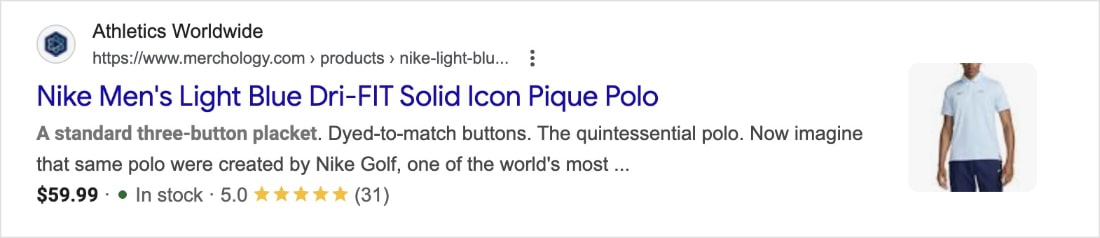
And it makes you stand out in search results, with star ratings, customer reviews, and stock availability.
Here are the features that matter most for WooCommerce stores:
- Search Statistics: A Google Search Console integration that lets you track keyword rankings and monitor key SEO metrics right inside your dashboard.
- Schema Generator: Makes it easy to add any type of schema markup, including product review schema and Google’s Merchant Listing schema, so your products can show ratings and pricing directly in search results.
- Redirection Manager: Manages redirects and eliminates 404 errors, keeping your site easy for search engines to crawl and index.
- Link Assistant: Automates internal link building across your site and audits your outbound links.
- IndexNow: Instantly notifies search engines that support the IndexNow protocol (like Bing and Yandex) when you publish or update content.
- Sitemap Generator: Automatically generates multiple sitemap types to keep all search engines in sync with your latest content.
For step-by-step setup instructions, check out our AIOSEO Installation Guide. And if you want to go deeper, our Ultimate WooCommerce SEO Guide covers everything you need to know about WooCommerce SEO.
Pricing: Starts at $49.50/year.
2. Broken Link Checker

Best for: Store owners who want to automatically catch broken links before they hurt conversions and search rankings.
A broken link on a product page isn’t just an annoyance, it’s a lost sale. Broken links also hurt your SEO, since search engines treat them as a sign that your site isn’t well maintained.
Broken Link Checker (BLC) is built by the same team behind AIOSEO, so the code is clean and lightweight. It automatically scans your store for broken links, both internal and external. When it finds one, you can edit the URL, unlink it, recheck it, or dismiss the error, all from one place. No manual page-by-page hunting required.
It’s one of the first plugins I’d install on any WooCommerce site. See our guide on how to find and fix broken links in WordPress to learn more.
Pricing: Starts at $4.99/year.
3. WP Mail SMTP

Best for: Any WooCommerce store whose order confirmations, shipping notifications, or password reset emails aren’t reliably reaching customers.
Here’s a problem most new store owners don’t discover until a customer complains: WordPress’s default email setup is unreliable. It uses the PHP mail() function, which most hosting providers don’t configure correctly and some block entirely. The result is order confirmations that end up in spam, or never arrive at all.
WP Mail SMTP fixes this without touching a single line of code. It routes your store’s emails through a dedicated SMTP service (Gmail, SendLayer, SendLayer, Mailgun, and more) so they actually land in the inbox.
With email critical to running an online store (and high-converting promotional sales), this is one plugin you don’t want to skip.
Pricing: Starts at $49/year.
4. SeedProd
Best for: Store owners who want to build custom product pages, checkout pages, or landing pages without hiring a developer.
SeedProd is a drag-and-drop page builder used on over 1 million WordPress sites. For WooCommerce stores, it’s especially useful for building high-converting product pages, email opt-in pages, coming soon pages, and maintenance mode pages. And the best part is that you can create all of them without writing any code.
It comes with custom WooCommerce blocks that make it easy to control exactly how shoppers interact with your products. For example, add-to-cart buttons, product grids, and checkout blocks.
Another bonus is that it’s also one of the best SEO-friendly page builders, so the pages you build actually have a shot at ranking.
Pricing: Starts at $39.50/year.
5. WPForms
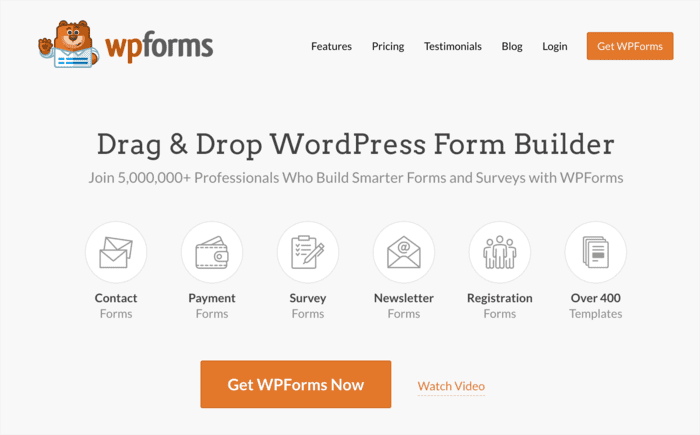
Best for: Store owners who need contact forms, lead capture forms, or order forms — and want to set them up in minutes without code.
Every online store needs a way for customers to get in touch. WPForms is the most beginner-friendly form builder available, trusted by over 5 million websites. You can create contact forms, surveys, order forms, and more in just a few clicks.
The Pro version also lets you accept Stripe, Square, and PayPal payments directly through your forms. This is handy for deposits, custom orders, or service bookings alongside your main WooCommerce store.
Pricing: Paid plans start at $39.50/year.
6. TrustPulse

Best for: Stores that want to use real-time social proof to nudge hesitant shoppers into buying.
People buy what other people are buying. TrustPulse taps into that instinct by showing live activity notifications on your site, like recent purchases, email signups, and registrations. It’s one of the simplest ways to build credibility and push conversions without redesigning anything.
Setup is quick and easy. The drag-and-drop builder lets you customize the popups to match your brand, and you can control exactly what activity gets shown and when.
Pricing: Starts at $5/month (billed annually).
7. OptinMonster
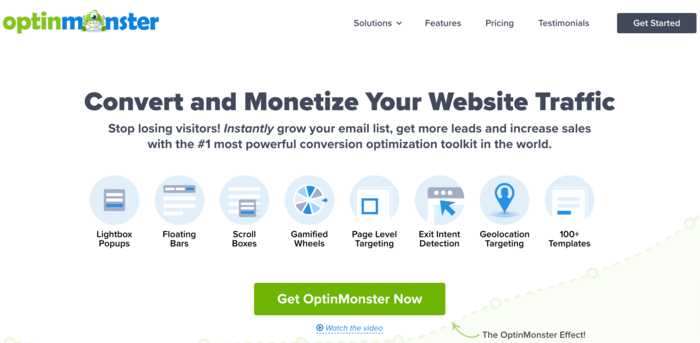
Best for: Reducing cart abandonment, growing your email list, and showing targeted offers based on what’s in a shopper’s cart.
OptinMonster is my personal favorite conversion rate optimization tool on this list. It lets you create popups, floating bars, and fullscreen welcome mats. But the targeting is where it really earns its place. You can show specific offers based on what’s in a shopper’s cart, where they came from, or whether they’re about to leave.
That level of targeting makes it far more effective than a generic popup, and it’s one of the most direct ways to recover would-be lost sales.
Pricing: Starts at $7/month (billed annually).
8. MonsterInsights

Best for: Store owners who want Google Analytics data, including enhanced eCommerce tracking, without leaving their WordPress dashboard.
You can’t improve what you don’t measure. MonsterInsights connects your WooCommerce store to Google Analytics and surfaces the data you actually need. And it does it in a way that doesn’t require a data analyst to interpret it.
Its enhanced eCommerce tracking shows you exactly how shoppers move through your store: which products they view, which ones they add to cart, and where they drop off. Over 3 million WordPress users rely on it, and it works with both WooCommerce and Easy Digital Downloads.
Pricing: Starts at $99.50/year.
9. PushEngage
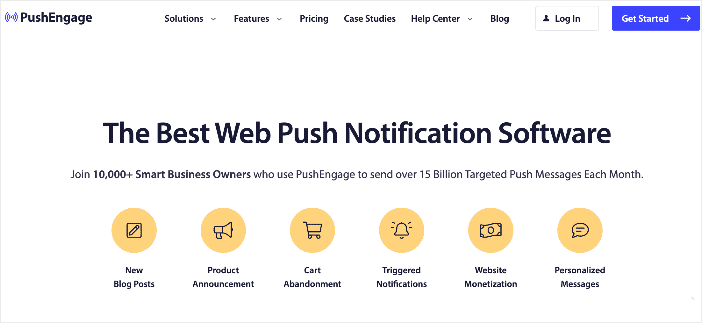
Best for: Re-engaging visitors who leave without buying — even if they’re not on your email list.
Email is great, but it only reaches people who’ve opted in. PushEngage gives you a second channel: browser push notifications that go directly to a visitor’s desktop or mobile, no email address required.
For WooCommerce stores, the most valuable use case is abandoned cart recovery. This automatically notifies shoppers who added items but didn’t check out. You can also set up price drop alerts, back-in-stock notifications, and product announcements to keep your store in front of people between visits.
Pricing: Free version available. Plans start at $8/month.
10. RafflePress
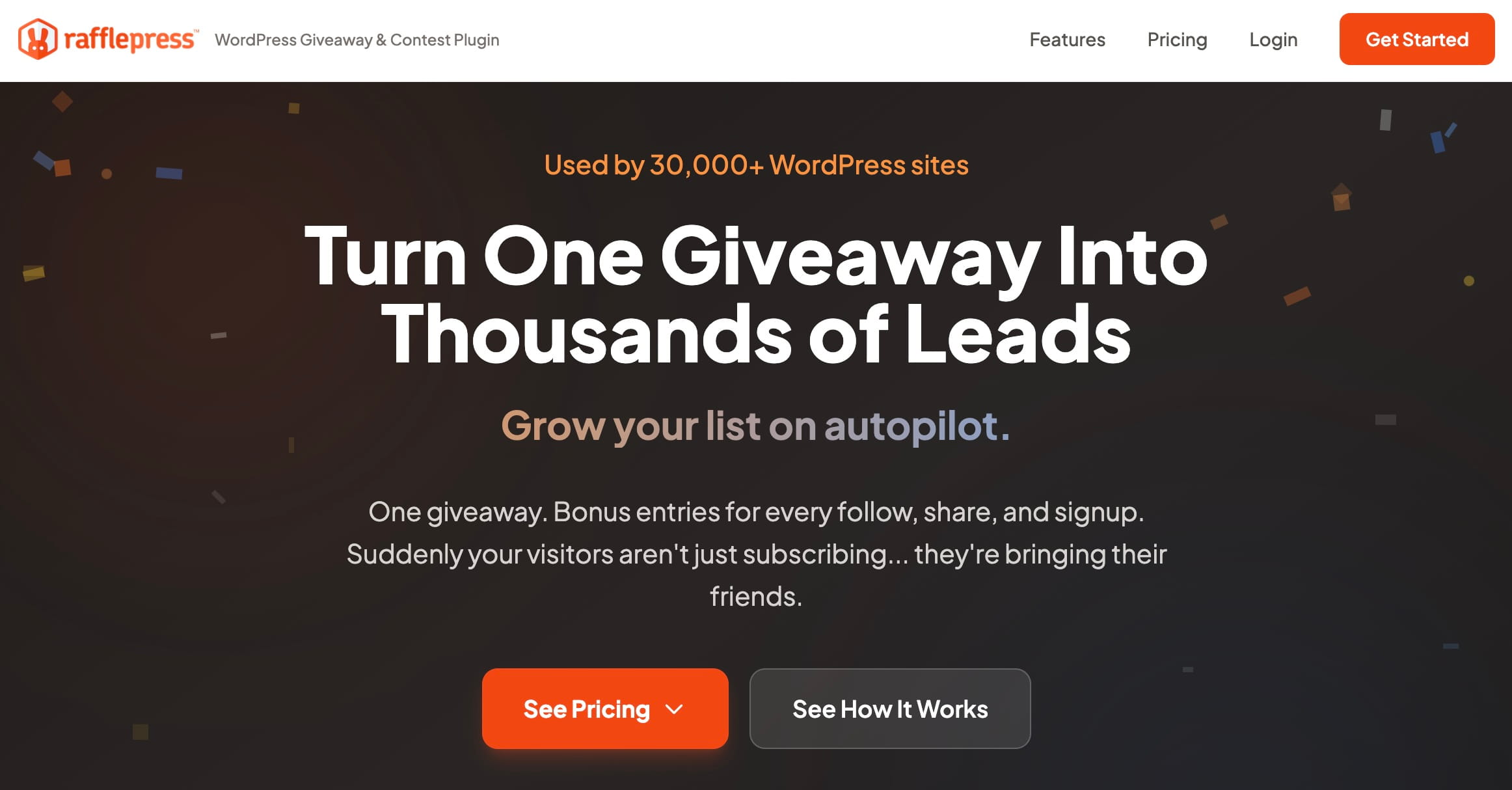
Best for: Stores that want to drive traffic, grow their email list, and build social following through giveaways and contests.
Giveaways are one of the fastest ways to build buzz around a WooCommerce store, and RafflePress is the best plugin for running them. Its drag-and-drop builder and pre-made templates let you launch an optimized campaign in minutes.
What makes it worth using is the bonus entry system. You can reward participants for referring friends, subscribing to your newsletter, following you on social media, visiting a page, and more. This turns a single giveaway into a multi-channel growth engine.
Pricing: Starts at $39.50/year.
11. FunnelKit
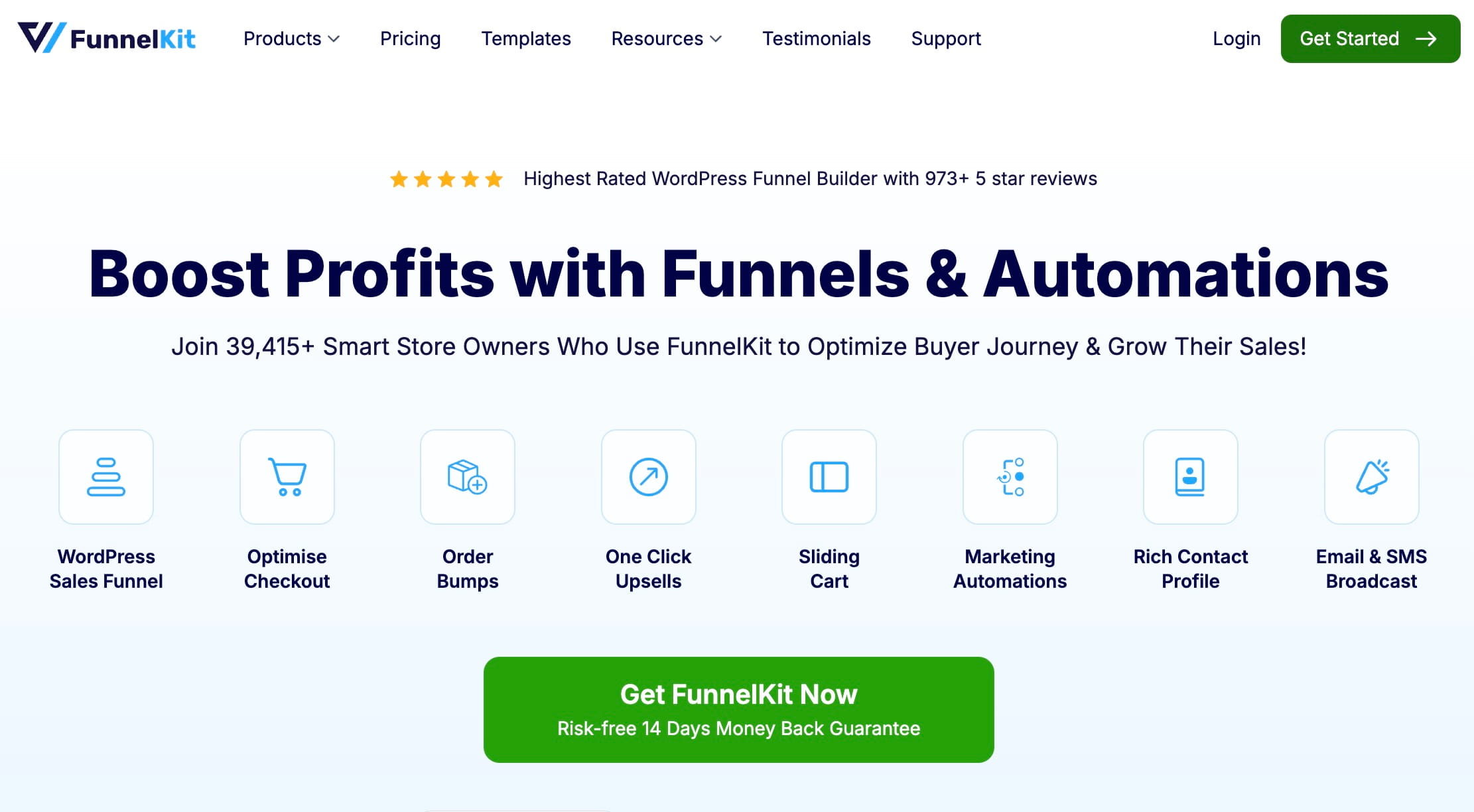
Best for: Store owners who want to increase average order value through optimized checkout pages, one-click upsells, and automated cart recovery.
FunnelKit is the go-to WooCommerce sales funnel builder for store owners who want to squeeze more revenue from the customers they already have. It lets you build custom checkout pages, add order bumps, set up one-click post-purchase upsells, and automate abandoned cart recovery, all in one place.
The built-in A/B testing is a standout feature. You can test checkout layouts, headlines, and CTAs to find what drives more completions. Add reusable workflow templates and you have a serious revenue tool.
Pricing: Paid plans start at $99.50/year.
12. Uncanny Automator
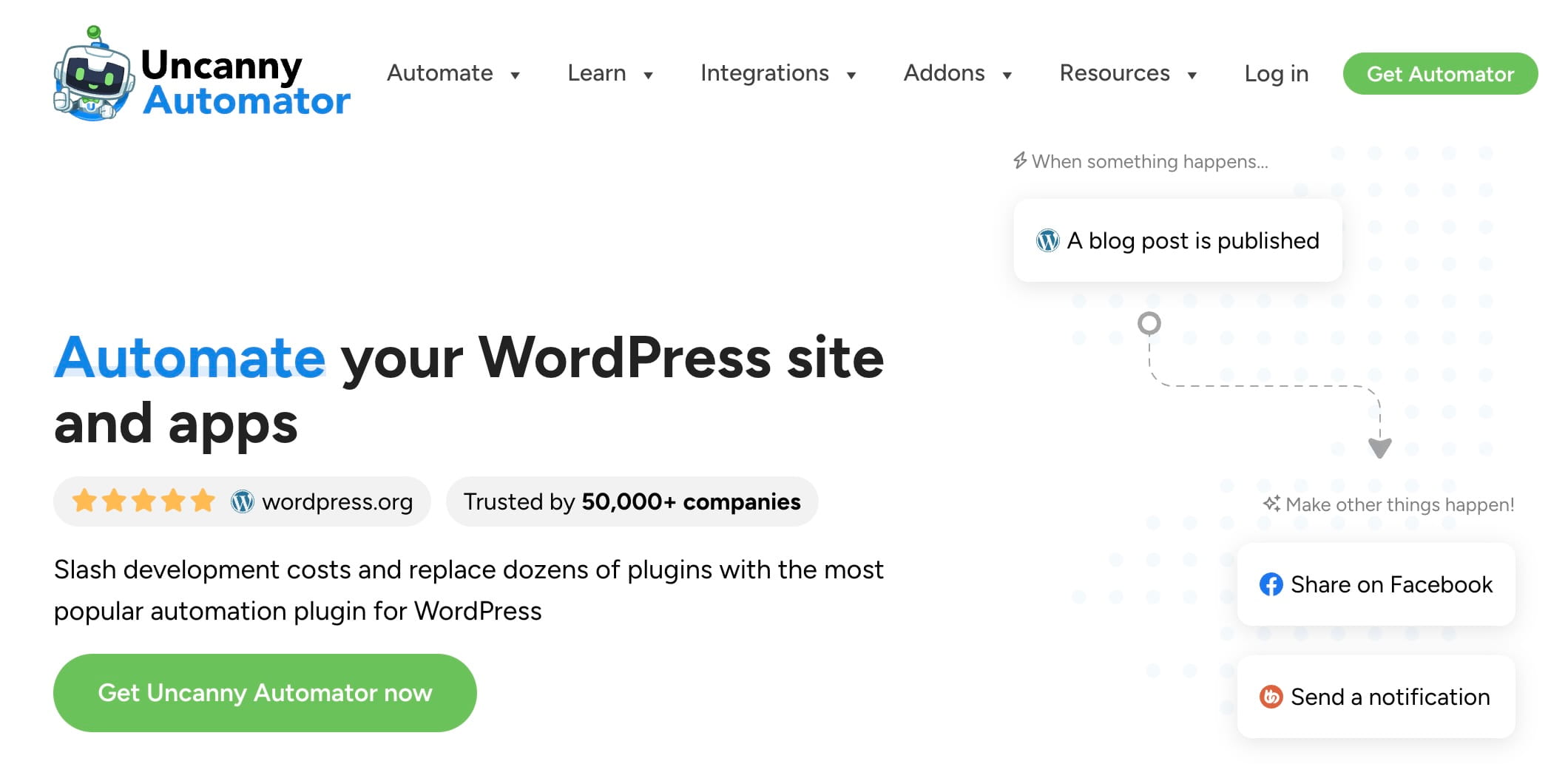
Best for: Store owners who want to automate repetitive tasks and trigger personalized actions based on what shoppers do on their site.
Uncanny Automator is the automation backbone for a serious WooCommerce store. It lets you create “recipes,” which are workflows triggered by specific customer actions. For example, when someone buys a product, Uncanny Automator can automatically enroll them in an email sequence, tag them in your CRM, or trigger a follow-up offer. No coding required.
If you’re spending too much time on manual tasks as your store grows, this is where I’d start.
Pricing: Starts at $149/year.
13. Smash Balloon

Best for: Stores that sell visual products and want to display social proof — Instagram feeds, shoppable posts, or customer reviews — directly on their site.
Smash Balloon is a suite of social media feed plugins (Facebook, Instagram, YouTube, and more) that let you embed live feeds on your WooCommerce store without any coding. If you sell on Instagram, you can create shoppable feeds that let visitors buy directly from your social content.
Its Reviews Feed feature is also worth calling out. It automatically pulls your best reviews from Google, Yelp, and other platforms, and lets you moderate which ones to display. That’s a low-effort way to add social proof to your product pages, and social proof sells.
Pricing: Starts at $49/year for a single feed plugin. The all-access bundle costs $299/year.
14. SearchWP
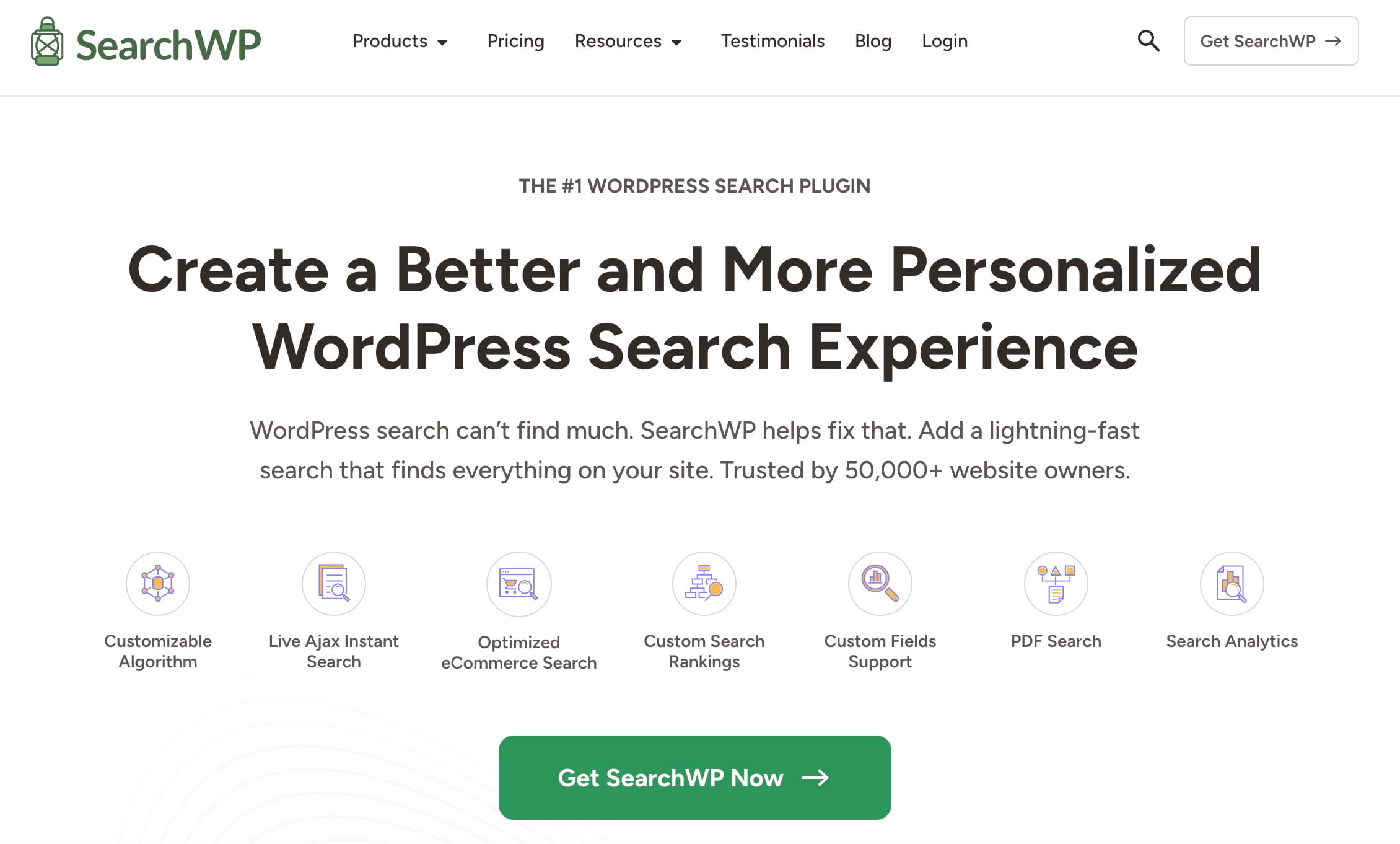
Best for: Stores with large product catalogs where shoppers need to search by name, SKU, or product details to find what they want.
WooCommerce’s default search is limited. It doesn’t search every product field, which means customers can walk away empty-handed even when you stock exactly what they need. SearchWP fixes that.
Its dedicated WooCommerce extension expands search to cover product descriptions, attributes, SKUs, and more. It also tracks what visitors are searching for, giving you real data on what your customers want and what gaps exist in your catalog.
Pricing: Starts at $99/year.
15. Thrive Suite by Thrive Themes
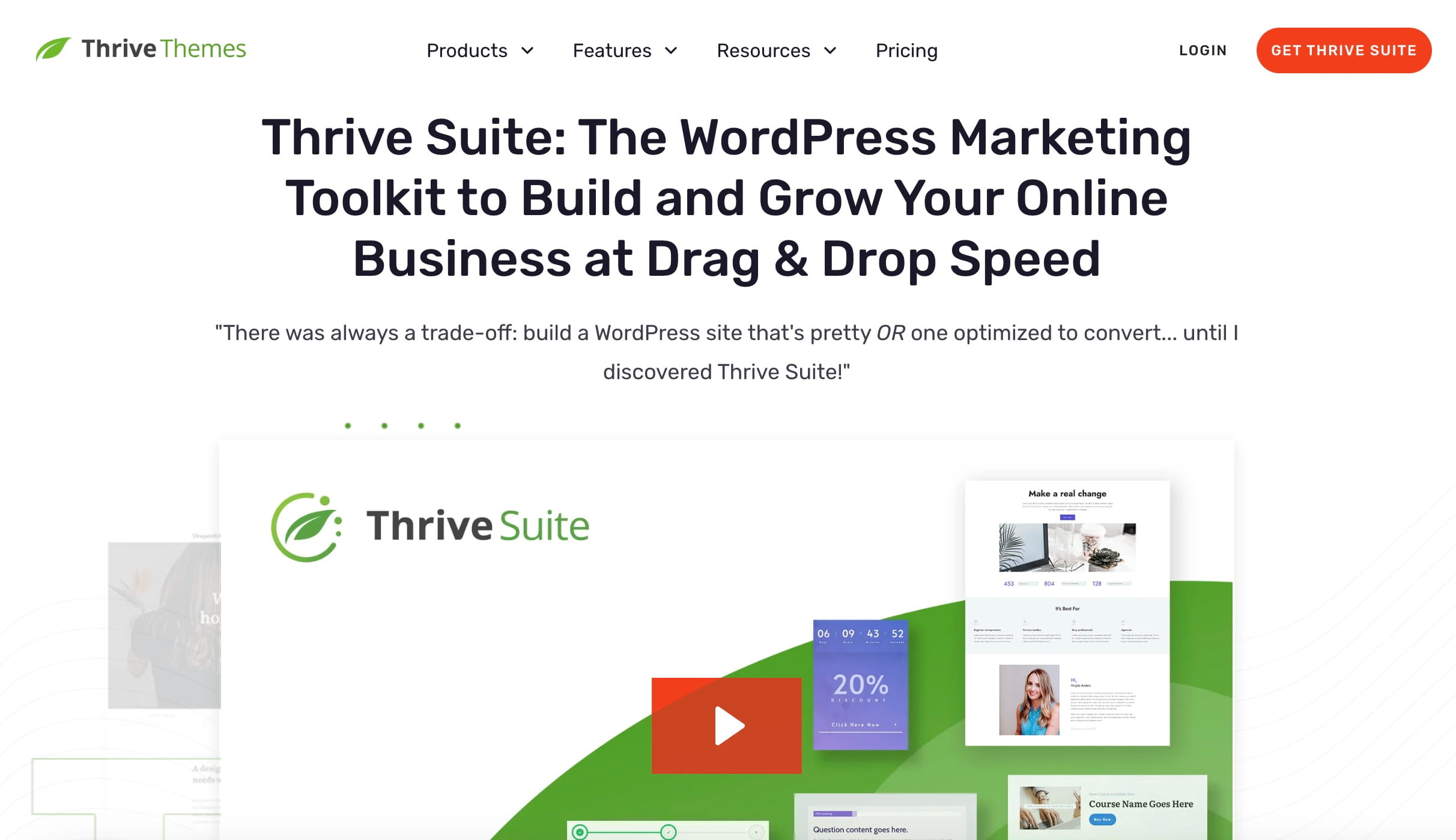
Best for: Store owners who want an all-in-one toolkit for building, optimizing, and growing their site, and want to consolidate multiple plugin subscriptions into one.
Thrive Suite is a bundle of conversion-focused WordPress tools that covers a lot of ground: page building, lead generation, A/B testing, course creation, quizzes, testimonial collection, and more. If you’re paying for several separate plugins that do these things individually, the suite often works out to be significantly more cost-effective.
Here’s what’s included:
- Thrive Theme Builder: An intuitive theme and page builder for building your site from scratch.
- Thrive Architect: A drag-and-drop visual editor for customizing page layouts.
- Thrive Quiz Builder: Creates quizzes and surveys to drive engagement.
- Thrive Leads: A lead generation plugin for building and monitoring campaigns.
- Thrive Apprentice: Builds and monetizes online courses from your WordPress dashboard.
- Thrive Ultimatum: Scarcity and FOMO plugin for countdown-based campaigns.
- Thrive Ovation: Gathers and displays testimonials automatically.
- Thrive Optimize: A/B testing for pages and offers.
- Thrive Comments: Adds engagement features — likes, badges, upvotes — to your comment section.
- Thrive Automator: Builds integrations between your plugins and automates tasks.
Pricing: Starts at $299/year.
16. AffiliateWP
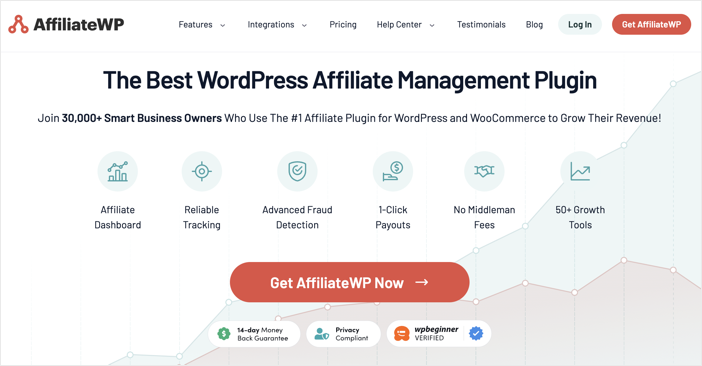
Best for: Store owners who want to grow sales through a self-managed affiliate program — without paying commissions to a third-party platform.
An affiliate program lets others sell your products in exchange for a commission on each sale they drive. AffiliateWP is the best plugin for running one entirely from your WordPress dashboard. No third-party network, no revenue split beyond the commissions you set.
You get detailed reporting on link clicks, sales, and payments, plus a built-in payouts service that lets you pay affiliates via PayPal, Stripe, or other gateways without leaving WordPress. It’s one of the most cost-effective ways to scale sales without scaling your ad spend.
Pricing: Paid plans start at $149.50/year.
17. LiveChat

Best for: Stores selling higher-consideration products where customers have questions before they buy — and a quick answer can be the difference between a sale and a bounce.
LiveChat adds a chat box to your store so you can answer customer questions in real time. It’s a conversion tool as much as a support tool, helping shoppers finish their purchase instead of abandoning their cart because they couldn’t find an answer.
It integrates with email marketing tools, CRMs, and automation platforms like Zapier, so chat conversations can flow directly into your lead nurturing workflows.
Pricing: Starts at $19/month.
18. SaveTo Wishlist
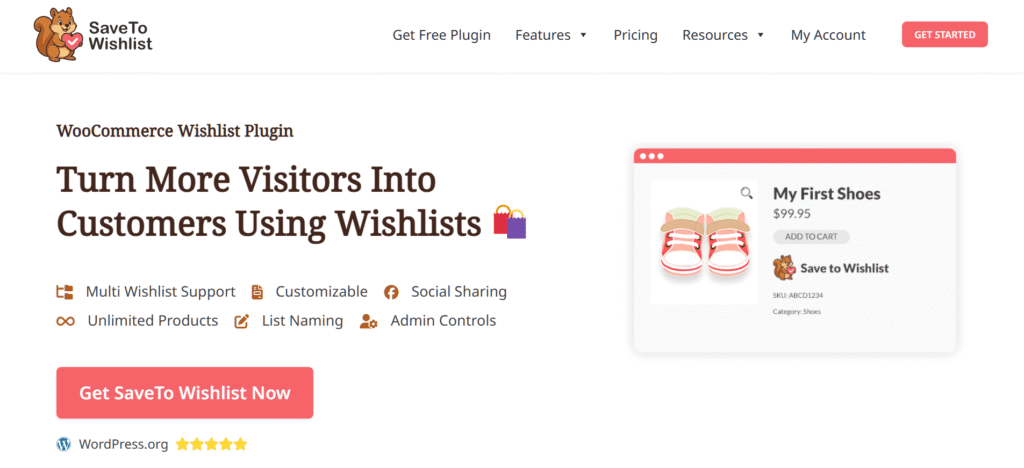
Best for: Store owners who want to reduce cart abandonment by giving shoppers a way to save products for later and then bring them back to complete the purchase.
Most shoppers don’t buy on their first visit. They browse, they save things mentally, and they come back later. Except for when there’s no easy way to save anything, they usually don’t come back at all. That’s the gap SaveTo Wishlist closes.
It’s a modern wishlist plugin built specifically for WooCommerce, with a lightweight architecture that supports native Gutenberg blocks, WooCommerce REST API compatibility, and translation-ready setup out of the box. Unlike older wishlist solutions patched together over the years, it offers core features for free that competitors lock behind paid tiers.
Key features include:
- Multiple Wishlists: Customers can create and manage unlimited lists with drag-and-drop sorting.
- Guest User Merging: Saves and merges guest wishlist data automatically when a shopper registers.
- Wishlist Sharing and Permissions: Shoppers can share their favorites with adjustable viewing controls, driving organic referral traffic.
- Wishlist Customization: Rich admin controls to customize buttons, pages, and layouts without coding.
- Advanced Analytics: Track your most-saved items to identify trending products and make smarter inventory decisions.
- Wishlist Automation: Deploy automated remarketing campaigns (like price drop or back-in-stock alerts) to re-engage hesitant buyers.
- Custom Webhooks and User Meta: Tag and segment shoppers based on their actions, and sync activity with external CRMs via standard JSON webhooks.
Ultimately, SaveTo Wishlist handles the heavy lifting behind the scenes so you can focus on scaling your business and converting casual visitors into loyal buyers.
Pricing: Free version available. Premium plans start at $49.50/year.
19. Constant Contact
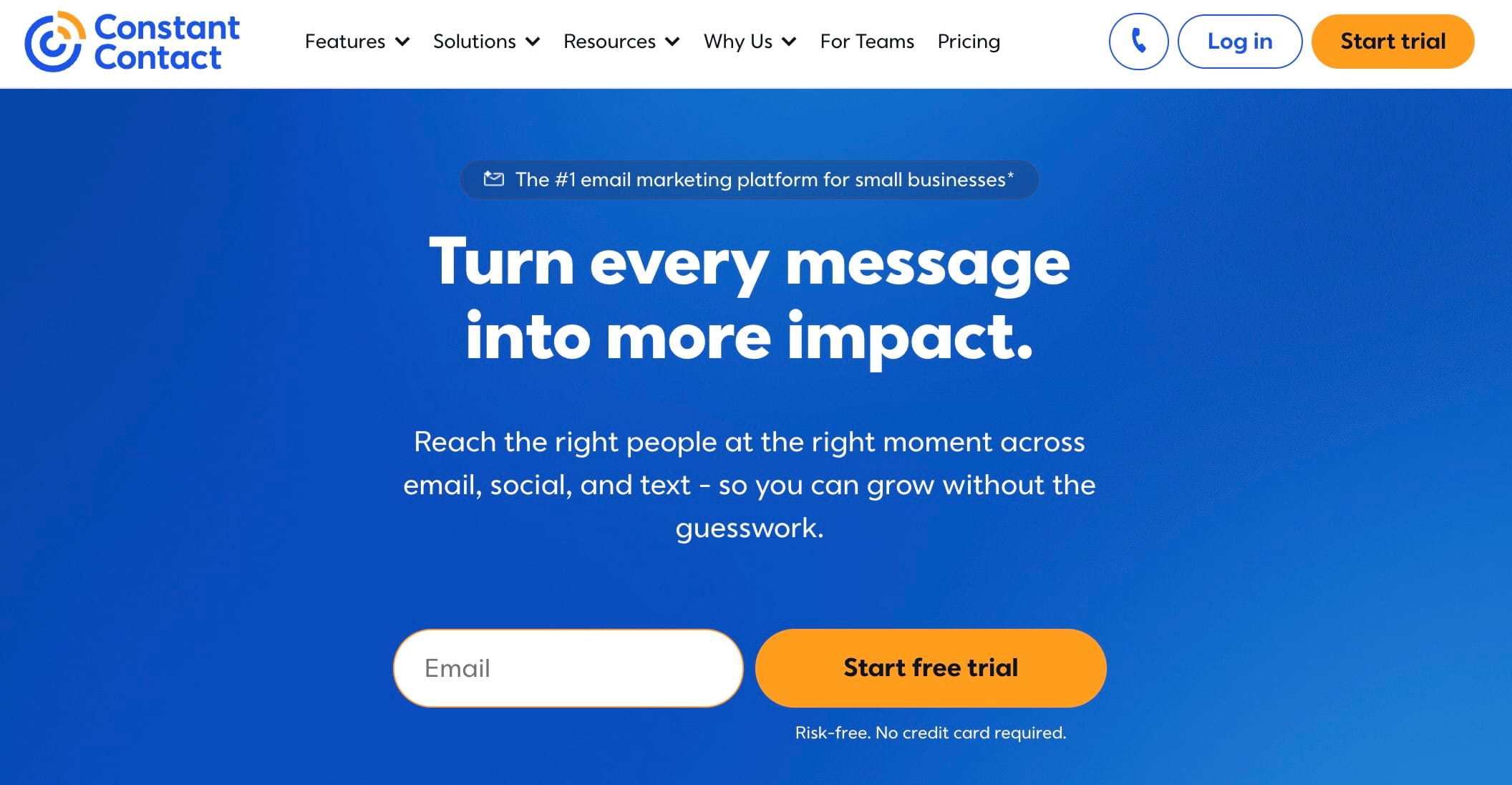
Best for: Store owners who want an easy-to-use email marketing platform with strong templates and list management — without a steep learning curve.
Constant Contact is one of the best email marketing services for eCommerce businesses. It’s also one of the easiest to get started with. You get professionally designed templates for various niches, multiple email list management, and custom funnel options for personalizing campaigns.
If you’re just getting started with email marketing for your store, Constant Contact is a solid, low-friction place to begin.
Pricing: Starts at $12/month.
20. Omnisend
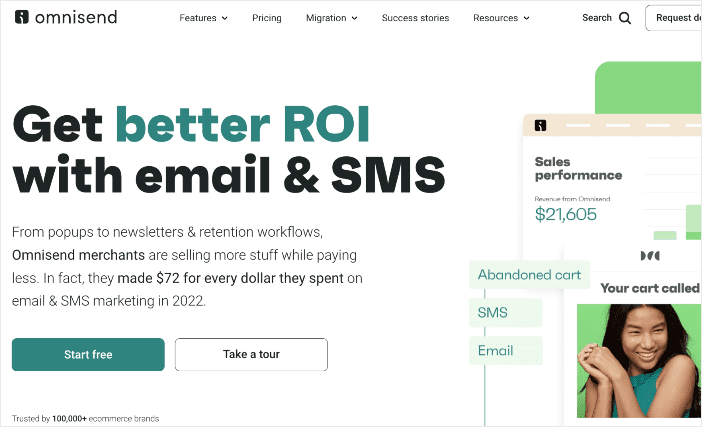
Best for: Growing stores that want to go beyond basic email and automate campaigns across email, SMS, and push, all from one platform.
Omnisend is a step up from a standard email tool. It’s an omnichannel marketing platform, meaning it can do email, SMS, Facebook Messenger, WhatsApp, and push notifications. And it’s all connected and automated based on customer behavior and purchase history.
The segmentation tools let you get specific about who gets what message. The drag-and-drop editor makes campaigns fast to build. And the free plan is genuinely useful if your store is still ramping up. If you’re ready to move beyond batch-and-blast email, Omnisend is the right move.
Pricing: Free version available. Paid plans start at $11.20/month.
Related reading: Check out our eCommerce SEO strategy guide to see how email and SEO work together.
21. Advanced Coupons
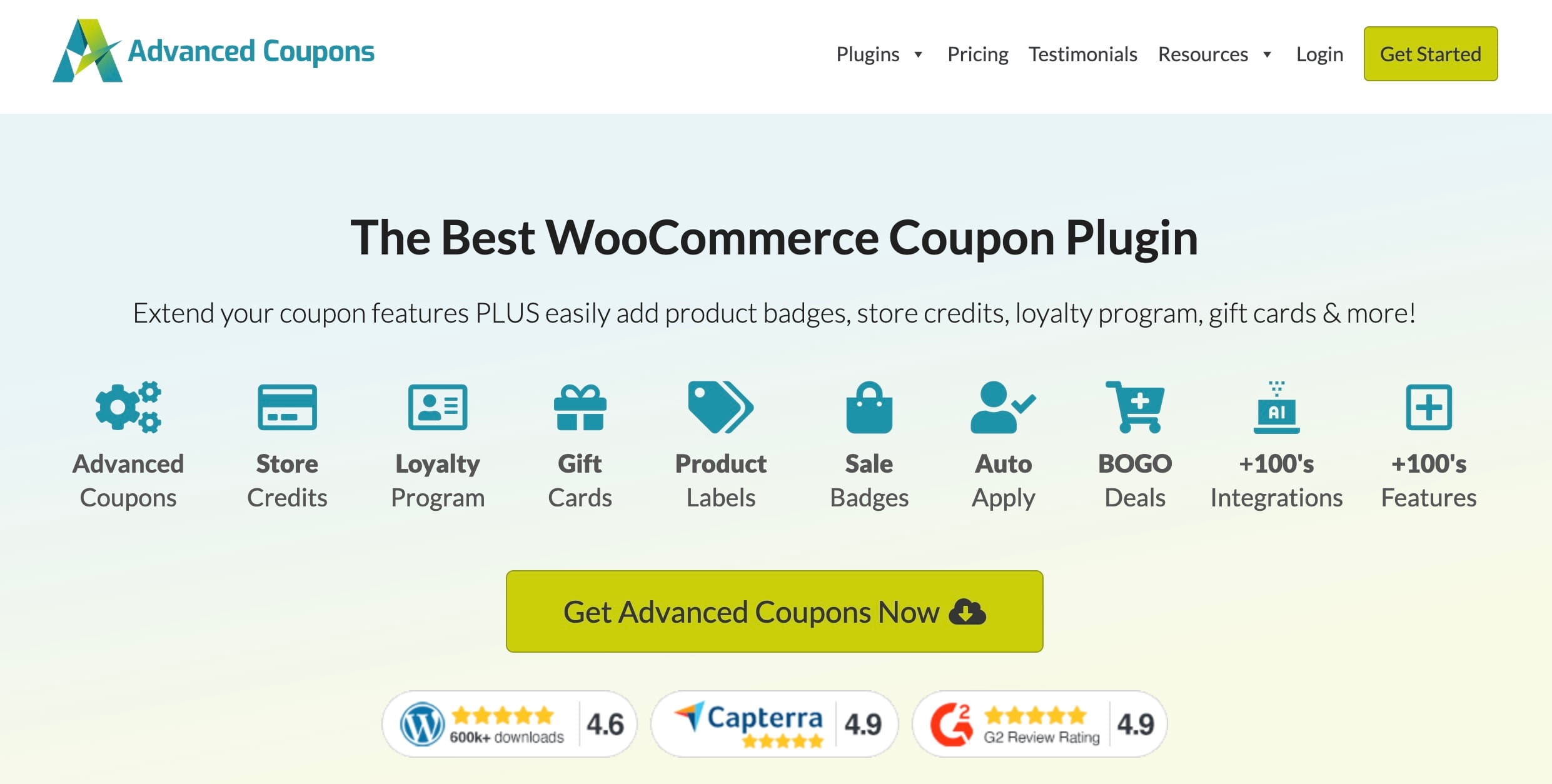
Best for: Store owners who want to run smarter promotions — scheduled coupons, cart-condition triggers, and BOGO deals — beyond what WooCommerce offers natively.
WooCommerce’s built-in coupon feature is basic. Advanced Coupons gives it a major upgrade. You can schedule vouchers, automatically apply coupons when specific cart conditions are met, create buy-one-get-one deals, and run sophisticated promotional campaigns.
If coupons and promotions are part of your growth strategy, this is the plugin that makes them work the way you need them to.
Pricing: Single plugins start at $99.50/year. All plugins bundle is $249/year.
22. WooCommerce Product Slider
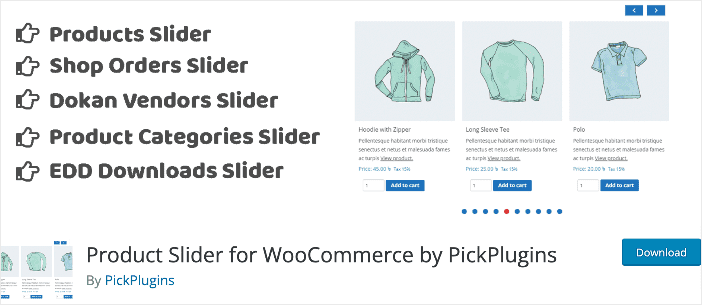
Best for: Stores that want a free, easy way to display products in carousels — and let shoppers add to cart without leaving the page.
WooCommerce Product Slider is a free plugin that lets you create product carousels anywhere on your store. Shoppers can view product images and details and add items to their cart right from the carousel, no extra page load required.
It’s highly customizable, fully responsive, and free. If you want to feature products on your homepage or a landing page without investing in a full page builder, this gets the job done.
Pricing: Free.
Why Do You Need WooCommerce Plugins?
WooCommerce is a free, open-source plugin that turns any WordPress website into a fully functional online store. You can use it to sell digital and physical products, and it works right out of the box — product listings, categories, shopping cart, the works.
But “good enough to launch” and “built to grow” are two different things. That’s where WooCommerce plugins come in. They extend what WooCommerce can do, helping you rank in search, recover abandoned carts, automate your marketing, and deliver the kind of shopping experience that turns first-time buyers into regulars.
Installing the right plugins gives you an edge your competitors may not have. The wrong ones slow your site down and create more work. That’s exactly why I put this list together.
There are even WooCommerce SEO plugins that help you rank your product pages in search, which is often the highest-leverage thing a new store owner can do.
Supercharge Your Business With the Best WooCommerce Plugins
The best WooCommerce store isn’t the one with the most plugins — it’s the one where every plugin earns its place.
If I were starting from scratch, I’d build the foundation in this order: get AIOSEO in place first so your store can actually be found. Then sort email deliverability with WP Mail SMTP. Then drive conversions with OptinMonster or TrustPulse. Everything else — analytics, automation, affiliates, wishlists — builds on top of that.
The plugins on this list are the ones I’d recommend to a friend building a serious WooCommerce store. Not every store needs all 22, but most need at least a handful of them.
Ready to get more out of your WooCommerce store? Start with AIOSEO — it’s free to try and sets the SEO foundation everything else depends on.
Not every store needs every plugin on this list. What you need depends on where your store is right now and where the gaps are.
If I were starting from scratch, I’d build the foundation in this order: get AIOSEO in place first so your store can rank in Google search. Next, fix email deliverability with WPMail SMTP to you can be confident your emails are reaching your customers’ inboxes. Then, focus on conversions. OptinMonster is good for targeted offers and cart recovery, TrustPulse for social proof.
Everything else builds on top of that, like analytics, affiliate programs, and wishlists. You can grow your WooCommerce plugins list as your online store expands into those channels.
Want to keep learning? Check out these related guides:
If you found this article helpful, subscribe to our YouTube Channel for more WordPress tutorials. You can also follow us on Twitter, LinkedIn, or Facebook to stay in the loop.
FAQs: The Best WooCommerce Plugins
Building an online store with WooCommerce can feel overwhelming at first. But with the right plugins in place, most of the heavy lifting happens automatically. Here are answers to a few common questions.
What is the best review plugin for WooCommerce?
The best review plugin for WooCommerce is All in One SEO (AIOSEO). It gives you a full SEO toolkit and automatically outputs review schema so your product ratings can appear directly in search results.
What are the top eCommerce plugins?
The top 3 eCommerce plugins are All In One SEO (AIOSEO), Easy Digital Downloads (EDD), and OptinMonster. For a more detailed breakdown, check out our expertly curated list of the best WordPress eCommerce plugins.
How do I optimize my WordPress eCommerce website?
Start with All In One SEO (AIOSEO) for search visibility, OptinMonster for conversion rate optimization (CRO), and Smash Balloon to grow your social following and add social proof to your store. Our full WooCommerce SEO guide walks you through the complete process.
Disclosure: Our content is reader-supported. This means if you click on some of our links, then we may earn a commission. We only recommend products that we believe will add value to our readers.
Want to Try AIOSEO for Free?
Enter the URL of your WordPress website to install AIOSEO Lite.

